

Summarize this blog post with:
Quick Summary
Pain Point Led - Slow follow-ups kill leads. Text message automation fixes that by triggering instant, personalized SMS sequences from your CRM. Learn what to look for in a platform and convert more leads with less effort.
Research shows that leads contacted within 5 minutes are 9x more likely to convert than those reached even an hour later. Yet most businesses are still relying on manual follow-ups, chasing leads hours after they showed interest, long after the window has closed.
The problem is not your offer. It is not your pricing. It is not even your sales team. It is the gap between when a lead raises their hand and when your team actually responds. Text message automation closes that gap instantly, without adding a single person to your payroll.
This blog breaks down exactly the best pic of automated texting software, which workflows drive the most conversions, and what to look for in a platform that does the heavy lifting for you.
What Is Text Message Automation?
When people search "what is text message automation," they are usually expecting a textbook definition. What they actually need is a clear answer to a practical question: can this work for my business, and how fast can I get it running?
Here is the short version.
Text message automation is a system that sends pre-written SMS messages to leads automatically, based on specific triggers, without anyone on your team needing to hit send manually.
For lead nurturing specifically, automated text messaging works differently from any other channel. Here is why it outperforms everything else.
Why Automated Text Messaging Outperforms Every Other Lead Nurturing Channel?
Most sales and marketing teams are still betting on email as their primary lead nurturing channel. Email works. But it does not work fast enough, and in lead nurturing, speed is everything.
Look at the numbers across omnichannel marketing platforms:
Hence, instead of waiting for a rep to notice a new lead in the CRM and manually craft a follow-up, an automated text fires the moment the trigger happens. No delay. No human bottleneck. No leads falling through the cracks because your team was in a meeting.
The question is not whether SMS texts work for lead nurturing. The data settled that. The question is how to set it up so it runs itself.
SMS Marketing Automation For Lead Nurturing, How It Actually Works
Most businesses understand the idea of SMS automation. Where they get stuck is the mechanics. What actually triggers a message? How do you build a sequence that doesn't feel robotic? What happens when a lead replies? Understanding how SMS blast software works alongside automated workflows helps businesses balance bulk campaigns with personalized customer conversations.
SMS marketing automation for lead nurturing runs on three layers.

Layer 1: The Trigger
Every automated message starts with a trigger. This is the event that tells your system to begin a sequence. Common triggers include a lead submitting a form on your website, clicking an ad and landing on a landing page, requesting a demo, opting into a list, or moving to a new stage inside your CRM. When your SMS marketing platform is integrated with your CRM, these triggers fire automatically based on real lead data. No manual input required.
Layer 2: The Sequence
Once a trigger fires, the sequence takes over. This is the series of messages your lead receives over a defined period. Each message has a specific job: build trust, deliver value, reduce doubt, or push toward a decision.
Layer 3: Response Routing
This is the layer most platforms skip, and it is the most important one. When a lead replies to your automated text, that reply is a buying signal. Your system needs to detect it, stop the automation sequence, and route that conversation to a human sales rep immediately. A lead who replies is no longer cold. They are warm, and they need a real person, fast.
When your SMS platform integrates with HubSpot, Salesforce, Zoho, or Pipedrive, this entire three-layer system runs from inside your existing CRM workflow. You set it up once, and it works for every lead that comes through, day or night.
Now let us look at the specific workflows that move leads closest to a buying decision.
5 Text Message Automation Workflows That Convert Leads in 2026
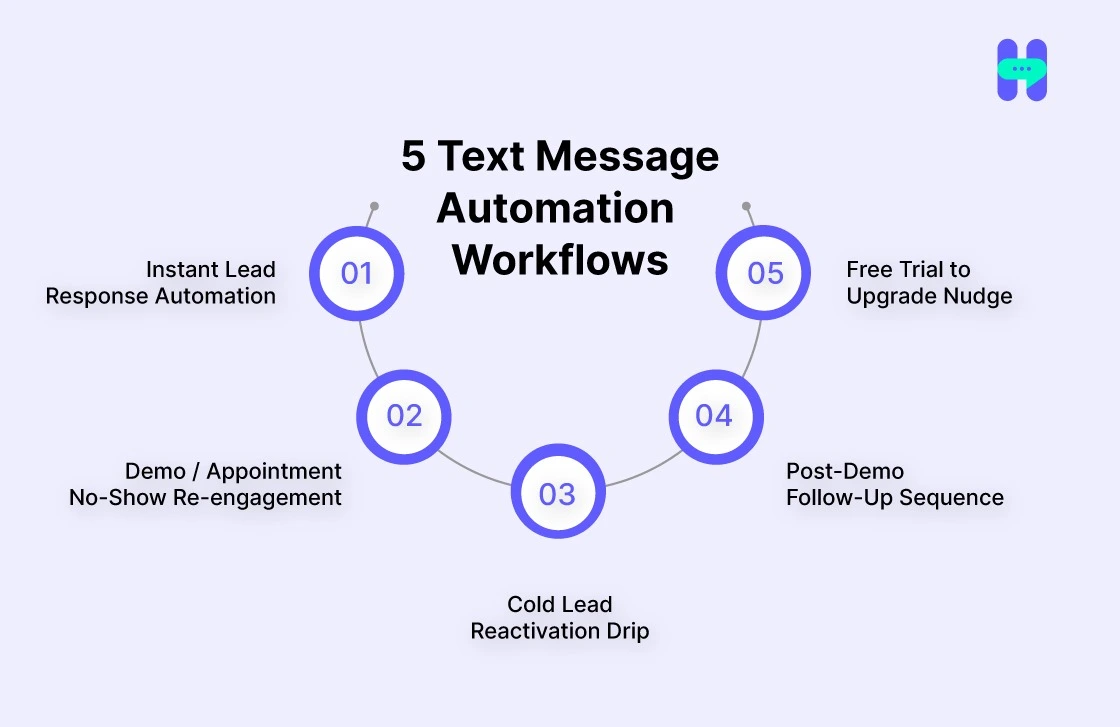
This is where most blogs stop at theory. Here are five ready-to-use workflows with copy-paste message templates your team can deploy this week.
1. Instant Lead Response Automation
Trigger: A lead submits a form or comes in through a paid ad.
The first message your lead receives sets the tone for the entire relationship. It needs to arrive fast, feel personal, and give them something useful while your team prepares to follow up.
Why it works: It arrives within seconds of the trigger. It acknowledges the lead by name. It sets an expectation for follow-up without making a promise the team cannot keep. And it gives the lead something to engage with immediately, keeping them in your ecosystem while they wait. This will boost Customer Engagement.
2. Demo / Appointment No-Show Re-engagement
Trigger: A scheduled appointment is missed, logged automatically in the CRM.
No-shows are not lost leads. They are leads who got busy. An automated re-engagement text, sent within minutes of a missed appointment, recovers a significant portion of these without anyone on your team having to notice, remember, or chase.
Template:-
Why it works: It is non-accusatory and removes all friction from rescheduling. The lead does not have to reply, email, or call back. One tap and they are back in your pipeline.
3. Cold Lead Reactivation Drip
Trigger: No activity logged in the CRM for 14 or more days.
Every CRM has a graveyard of leads who showed interest, went quiet, and were never followed up with again. An automated reactivation sequence digs into that graveyard and pulls out the ones who are still warm, without your team needing to manually audit the database.
Template:-
Why it works: It references something new, which gives the lead a genuine reason to re-engage rather than feeling like a generic nudge. It also asks a low-commitment question rather than pushing for a full demo immediately.
4. Post-Demo Follow-Up Sequence
Trigger: Demo completed in CRM, no response recorded after 48 hours.
Silence after a demo is not rejection. Most of the time it is indecision. The lead liked what they saw but was weighing options or waiting for a nudge. An automated follow-up that anticipates their most common objection can be the difference between a closed deal and a lost one.
Template:-
5. Free Trial to Upgrade Nudge
Trigger: Day 5 of a free trial with no upgrade action recorded.
Trial users who have not upgraded by Day 5 are at the highest risk of churning. An automated nudge at this exact moment, using social proof and a soft sense of urgency, consistently drives conversions for SaaS and product-led businesses.
Template:-
Why it works: It uses "most teams" as implicit social proof without being pushy. It creates a soft deadline. And it ends with an open question that makes a reply feel natural rather than transactional.
What To Look For In A Text Message Automation Tool In 2026
Not every SMS platform is built for lead nurturing. Some are built for marketing blasts. Some are built for transactional notifications. A small number are built to support the full lead-nurturing workflow you need. Here is the feature set that separates the right tool from the rest.
Top Pick: HelloSend
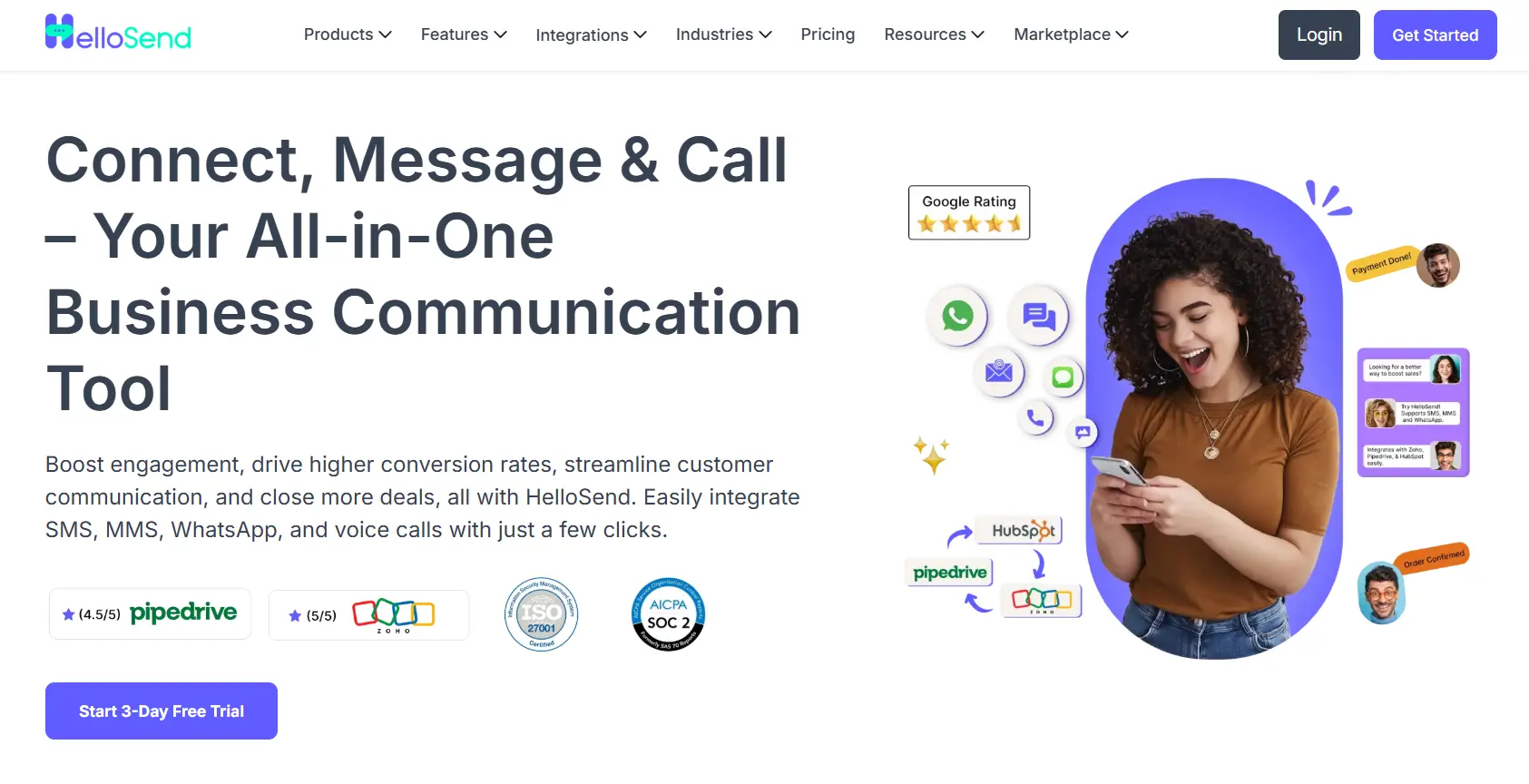
Switching between your CRM and your SMS tool is where leads die. HelloSend, the best text message automation tool, closes that gap. It runs natively inside Zoho, HubSpot, Pipedrive, Salesforce, Zendesk, and Microsoft Teams, firing automated SMS, WhatsApp, and voice sequences straight from your lead workflows the moment a trigger fires.
Every reply lands in one centralized dashboard, tracked, assigned, and ready for your rep to pick up in real time. No tab switching. No missed handoffs. No leads going cold because someone was looking at the wrong screen.
HelloSend’s Top Features

Text Message Automation Best Practices That Actually Convert
Having the right platform and the right workflows is not enough if the execution is off. These are the habits that separate SMS campaigns that get replies from ones that get ignored or unsubscribed.
Do:
- Send within 5 minutes of a trigger firing. Every minute past the trigger is a measurable drop in conversion probability. Your automation system should make this effortless.
- Keep messages under 160 characters where possible. One SMS segment is 160 characters. Messages that spill into a second segment feel longer on a phone screen and get lower engagement.
- Personalize with first name plus context, not just a merge tag. "Hi [Name]" is not personalization. "Hi Sarah, following up on your demo request for the enterprise plan" is personalization.
Don't:
- Send more than one or two automated messages per day to the same lead. Even in an active nurture sequence, frequency creates fatigue. Space your messages intentionally.
- Open with generic lines. "Hi there, just checking in!" is the fastest way to a STOP reply. Every message should reference something specific about the lead's journey.
- Automate without a human handoff plan. Automation handles the volume. Humans close the deals. If a lead replies and your system keeps sending automated texts over the top of the conversation, you will lose them.
Conclusion
In 2026, the businesses converting the most leads are not necessarily the ones with the best product or the biggest ad budget. They are the ones responding first, following up consistently, and doing it without burning out their sales team. Text message automation makes all three possible simultaneously.
The system handles the speed. It handles the consistency. It handles the re-engagement. Your team focuses on the conversations that are already warm and the leads that are already close to a decision. That is what less effort actually means: not doing less, but spending your effort in the right place.
If you are ready to stop losing leads to slow follow-ups and start running a nurture system that works around the clock, HelloSend is the fastest way to get there. It integrates directly inside your CRM. Start your 3-day free trial, no credit card required.

Frequently Asked Questions
Q1) How many texts should I send in an automated lead nurturing sequence?
Most high-performing sequences run between 4 and 7 messages over a 7 to 14-day window, depending on your sales cycle length and how warm the lead is at entry.
Q2) Is text message automation legal, and what compliance rules apply in 2026?
Yes, it is legal when done correctly. In the United States, you must have explicit opt-in consent before sending automated texts, include a clear opt-out mechanism in every message, and ensure your numbers are registered under 10DLC. TCPA compliance is non-negotiable, and your platform should handle the technical compliance layer for you.
Q3) How is SMS marketing automation different from email marketing automation?
The core logic is the same: triggers, sequences, and responses. The difference is speed and visibility. SMS arrives instantly and gets read within minutes. Email sits in an inbox for hours or days. For time-sensitive lead nurturing, SMS automation consistently outperforms email on response rate and conversion speed.
Q4) Can I use text message automation with my existing CRM?
Yes, and you should. The best SMS automation platforms, including HelloSend, integrate natively with major CRMs like HubSpot, Zoho, Salesforce, Pipedrive, and Zendesk. This means your triggers fire from live CRM data and your team manages conversations without leaving the tools they already use.
Q5) What is the average response rate for automated lead nurturing texts?
Well-structured SMS nurture sequences typically see response rates between 30% and 45%, compared to roughly 6% for email. Response rates are highest when messages are personalized, sent at the right time in the lead journey, and written in a conversational tone rather than a promotional one.

.webp)


.webp)
