

SOC 2 & ISO 27001

4.9 / 5 Pipedrive



Product Demo
Watch how teams dial, route, record, and log calls — all without leaving their CRM.


Capabilities
From the first dial to the last logged note, HelloSend's business calling solution gives your team everything they need to handle every call without leaving their CRM.

Select any CRM contact and hit call without copy-pasting numbers or switching tabs to reach a lead.

Route every incoming call automatically by IVR menu, assigned team, or business hours.

Record every call automatically and play it back directly from the call history widget without new tools needed.

Add context the moment a call ends and save notes against the contact in your CRM so the next rep is always up to speed.

Forward inbound calls straight to your mobile number to stay reachable and never miss a lead when you're away.

Set a custom text-to-speech greeting and hold audio once to play it automatically on every inbound call.
Friction, gone
When inbound and outbound calling lives inside your CRM, the daily friction that slows teams down disappears.

Every call is recorded, noted, and tied to the right contact automatically. Nothing falls through.
Call forwarding and sequential team ringing ensure every inbound call reaches a live agent, even outside the office.
Number masking keeps your real business number visible to customers and not an unfamiliar Twilio line they're likely to ignore.
Post-call notes mean the next rep picks up exactly where the last one left off without briefing or repeated questions.
IVR menus and team assignments send every caller to the right person automatically.

Setup in minutes
Get your team set up with fully routed, recorded, CRM-connected calls in minutes without any technical setup required.
Link your Twilio number to HelloSend, and your CRM contacts sync automatically. Make your team ready to call from day one.
Configure IVR menus, business hours, welcome messages, and team routing in minutes.
Dial any CRM contact in one click or take inbound calls routed straight to your team.
Add a post-call note, review the recording, and let HelloSend handle the rest.
HelloSend's inbound calling software and outbound calling software adapts to the real communication challenges your team faces.
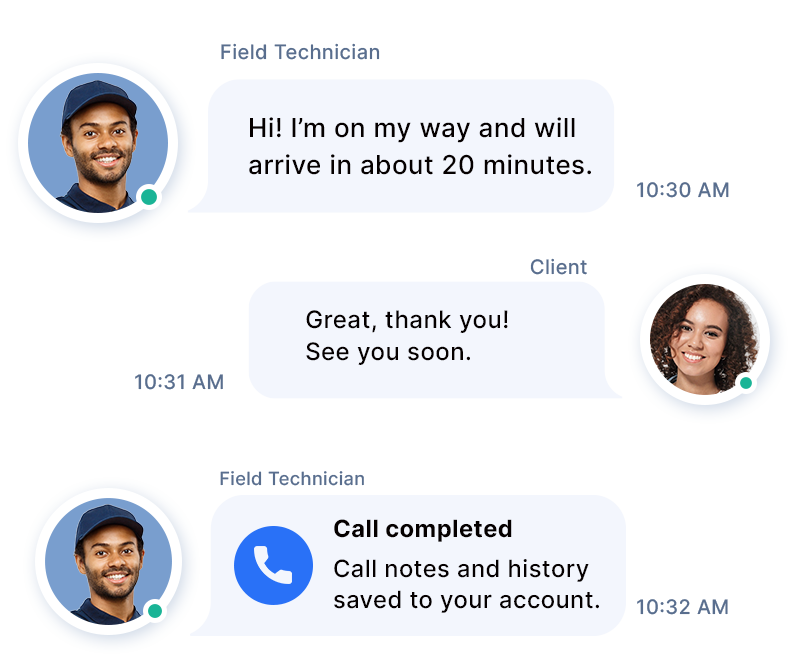
Close the gap between field technicians and clients with structured calling.

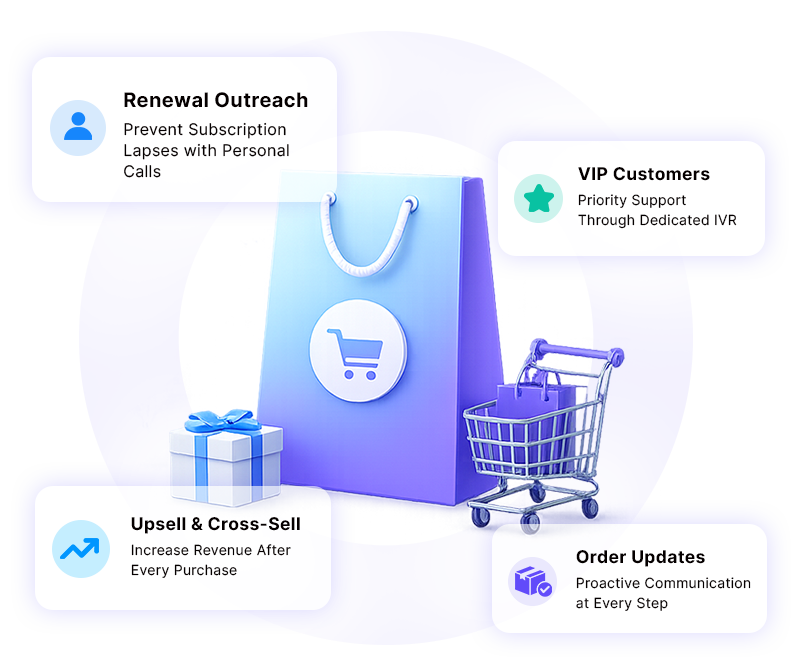
Give your sales and retention teams a calling edge over competitors.
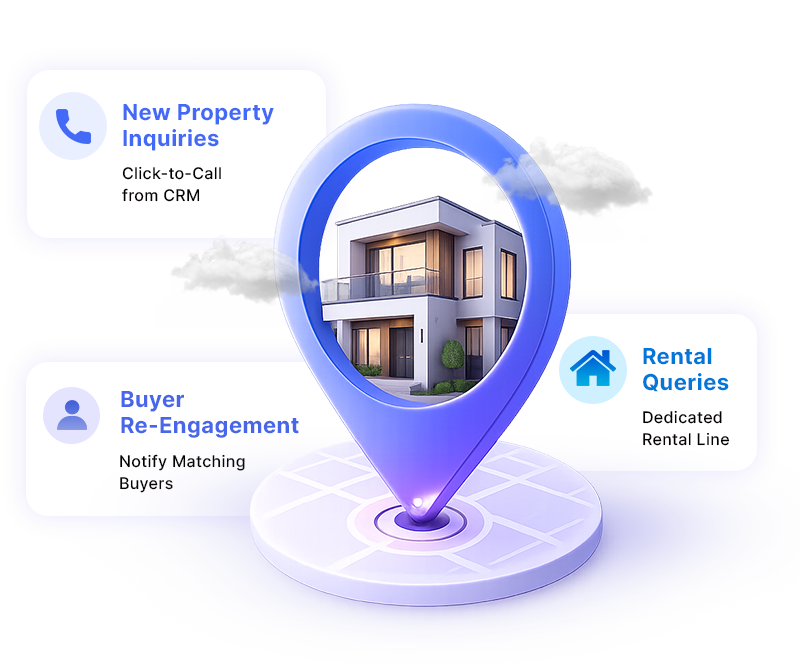
Build faster relationships with buyers, sellers, and renters through direct calls.
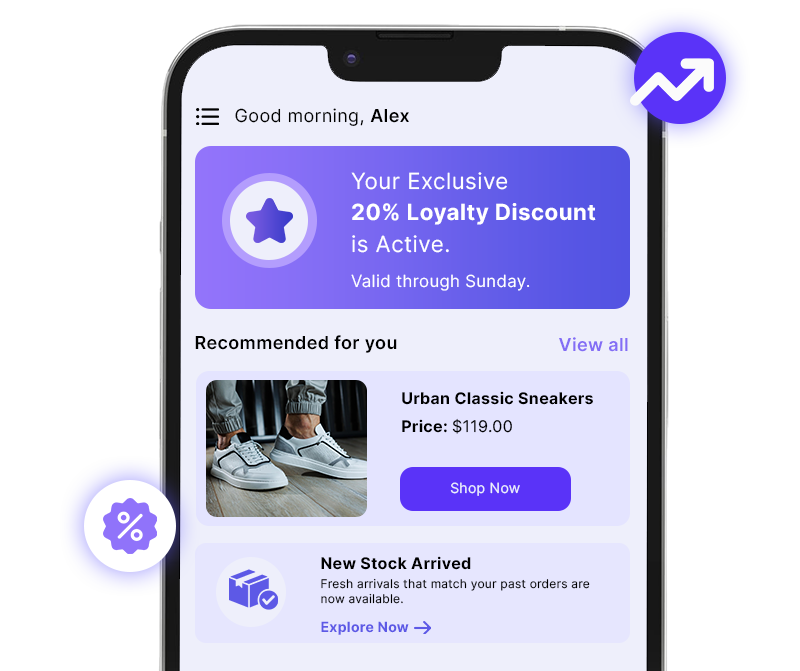
Use calling to drive revenue, not just handle complaints.
Connect HelloSend to your CRM, and every call is automatically linked to the right contact, deal, and conversation history without any manual work.





"Dinesh is a top notch technician! He helped me figure out what was wrong with my extension. Very excited to use! Best short message extension, made for all CRM's especially for Zoho".

"Issues exist everywhere but don't panic. I contacted support and we were able to solve the issue, very well done. thank you. Recommend using this plugin"

"Good extension, works well, pretty straightforward to set up. Devs are helpful. Will continue to use the service. For Pipedrive - Twilio SMS extension."

"Great support from the developers! SMS and FB integration works perfectly."

"Boosted my sales. HelloSend, best extension, ease of use and smooth installation. Requested a feature request, awesome support, thanks Andrew."

"We have been working with HelloSend's multi-line extension since we migrated. This new extension is almost flawless. All previous issues have been completely resolved. We're very pleased with the service as well. Fixes have been FAST!"

"Transfomed my sales within a month. Best SMS Integration tool. Customer support helped me to solve the problem online shortly. Now I can use short message service. Enhance customer communication."

"Love this app."

"Amazing! Great app for integrating Twilio into Zoho Desk. Responsive devs. Just fixed a couple bugs that I reported and released a new version today!"

"Team was quick to respond to technical issues and seems to be adding new functionality quickly."

"Very responsive and helpful."

"My last review was pretty bad. Since then I have worked with them and installed the new update and it actually works really well to both individual as well as group txt...though I'll only use for individual leads. There are a couple of small bugs they need to address but nothing that will keep me from using!"

"Just purchased the extension. Smooth install. One request... Can you make the button available on the detail page as well as list view ? I know many that search for a contact and there is no way to text them without going page by page through Leads or Contacts.Thanks."

"This short message service extension is awesome! works perfectly. Compared to other ones we tried, this supports Arabic (and likely other). The support group (especially Andrew) is very nice and very patient. They help us set up the application and fix some issues at our end(not in the app) via zoom. Great app, no negatives. Thank you for developing this! Transform my sales from 0 to 100."


Yes. Auto call recording can be enabled in your phone settings with a single toggle. All recordings are stored and accessible directly from your call history widget, where you can play them back at any time.
Number masking lets you make outbound calls through your Twilio number while displaying your real business number to the customer. This means customers always see a familiar number they trust and not an unknown line they're likely to ignore.
Inbound calls are routed automatically based on your configured call flow. It uses IVR menus, business hours, and team assignments. Calls ring simultaneously across a team or sequentially through online agents, and are forwarded to mobile if no one is available at their desk.
Yes. Multiple users can make outbound calls from the same number simultaneously without any conflict or busy tone. Each call is logged individually against the relevant contact in your CRM, so there's no confusion in the call history.




.webp)


.webp)
