
Manage WhatsApp and WhatsApp API conversation from a single shared WhatsApp inbox for teams. HelloSend gives your team one organized workspace to view, assign, and resolve every customer message in real time.

No credit card required

SOC 2 · ISO 27001

4.9 across 2,400+ teams





Features
WhatsApp messages see open rates up to 5x higher than
email. HelloSend gives you every tool to make the most of that reach, safely and at scale.

Type any CRM contact's name, auto-fetch their details, and start messaging them in seconds.

Send images, PDFs, and files directly inside any conversation so customers get everything.

Filter conversations by channel, status, or assigned team member to find what needs attention.

Route any thread to the right agent and instantly notify them by email.

Close resolved threads manually and reopen them automatically the moment a customer replies.

Switch sender numbers to see every conversation a customer has had across all your channels.
Outcomes
A WhatsApp shared inbox isn't just a convenience. It's the operational shift that eliminates missed messages, scattered threads, and zero visibility — for good.

Every thread across every channel is visible, assigned, and tracked so that nothing slips through between agents or shifts.
Pull up full CRM history before you even reply, and every agent starts the conversation already knowing the customer.
Leadership sees exactly who handled which conversation, when, making performance tracking effortless and transparent.
Twilio, RingCentral, and every connected line converge into a single inbox without jumping between platforms to find a conversation.

Workflow
Get your team from scattered conversations to a fully managed inbox workflow faster than you'd expect.
Link your Twilio or RingCentral numbers to HelloSend and watch every inbound conversation appear automatically in your shared inbox.
Sort conversations by channel, status, or assigned agent to surface the most urgent threads instantly without scrolling through noise.
Route the conversation to the right team member in one click. They're emailed the moment it lands in their queue, ready to act.
Respond directly inside the inbox, share files if needed, and close the thread once resolved. It reopens automatically if the customer replies again.
HelloSend's WhatsApp team inbox gives every customer-facing team the structure and speed they need to handle high volumes without losing a single conversation.
Resolve support tickets faster with every client conversation in one structured inbox.

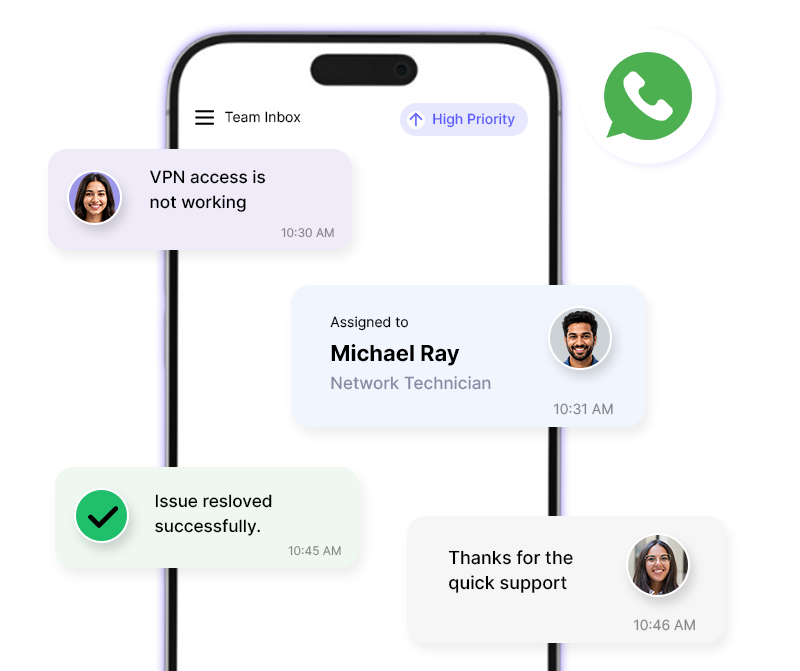
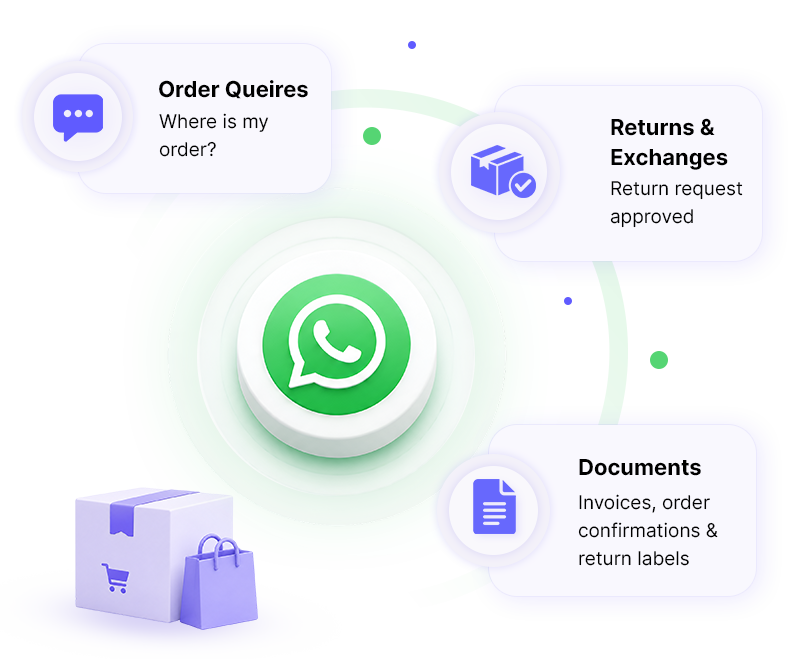
Handle order queries, returns, and complaints at scale without a single thread falling through the cracks.
From first inquiry to closed deal, keep every lead conversation visible, assigned, and moving.

Turn high message volumes into seamless customer experiences without overwhelming your team.

Connect HelloSend to your existing CRM in one click and bring every contact's history directly into your shared WhatsApp inbox.





"Dinesh is a top notch technician! He helped me figure out what was wrong with my extension. Very excited to use! Best short message extension, made for all CRM's especially for Zoho".

"Issues exist everywhere but don't panic. I contacted support and we were able to solve the issue, very well done. thank you. Recommend using this plugin"

"Good extension, works well, pretty straightforward to set up. Devs are helpful. Will continue to use the service. For Pipedrive - Twilio SMS extension."

"Great support from the developers! SMS and FB integration works perfectly."

"Boosted my sales. HelloSend, best extension, ease of use and smooth installation. Requested a feature request, awesome support, thanks Andrew."

"We have been working with HelloSend's multi-line extension since we migrated. This new extension is almost flawless. All previous issues have been completely resolved. We're very pleased with the service as well. Fixes have been FAST!"

"Transfomed my sales within a month. Best SMS Integration tool. Customer support helped me to solve the problem online shortly. Now I can use short message service. Enhance customer communication."

"Love this app."

"Amazing! Great app for integrating Twilio into Zoho Desk. Responsive devs. Just fixed a couple bugs that I reported and released a new version today!"

"Team was quick to respond to technical issues and seems to be adding new functionality quickly."

"Very responsive and helpful."

"My last review was pretty bad. Since then I have worked with them and installed the new update and it actually works really well to both individual as well as group txt...though I'll only use for individual leads. There are a couple of small bugs they need to address but nothing that will keep me from using!"

"Just purchased the extension. Smooth install. One request... Can you make the button available on the detail page as well as list view ? I know many that search for a contact and there is no way to text them without going page by page through Leads or Contacts.Thanks."

"This short message service extension is awesome! works perfectly. Compared to other ones we tried, this supports Arabic (and likely other). The support group (especially Andrew) is very nice and very patient. They help us set up the application and fix some issues at our end(not in the app) via zoom. Great app, no negatives. Thank you for developing this! Transform my sales from 0 to 100."


The Unified Inbox consolidates conversations from SMS (Twilio and RingCentral), WhatsApp (mobile), and WhatsApp API (WABA) into one view. Every inbound and outbound message across all connected channels appears automatically.
Yes. The inbox is built for teams of any size. Add as many users as your organization needs, assign conversations to specific agents, and filter by team member to keep workloads clear and accountability intact across the whole team.
Yes. The Unified Inbox is your live agent workspace for managing and responding to one-on-one conversations in real time. Message Logs give you a full historical record of everything sent and received, including bulk campaigns and automated messages, with export options for reporting.






.webp)
