

5,000+ teams

No credit card
Setup in 2 min
Cancel anytime



Take full control of every customer interaction — filter, assign, respond, and export, all from your bulk SMS dashboard without leaving HelloSend.

See every one-on-one SMS conversation in a unified view, filterable by channel, status, and assigned user.
.webp)
.svg)
Filter every inbound and outbound SMS by timeline and export the full log as a CSV in seconds.
.webp)

Auto-fetch CRM contacts and send a message without leaving the SMS platform dashboard.
.webp)

Auto-fetch CRM contacts and send a message without leaving the SMS platform dashboard.


Track resolved and active threads with simple status controls that automatically update with new messages.


Share images, PDFs, and files directly inside any conversation to give customers everything they need, fast.

Why it works
Replace scattered threads and manual tracking with one consolidated SMS marketing dashboard so no message slips through and no time gets wasted.
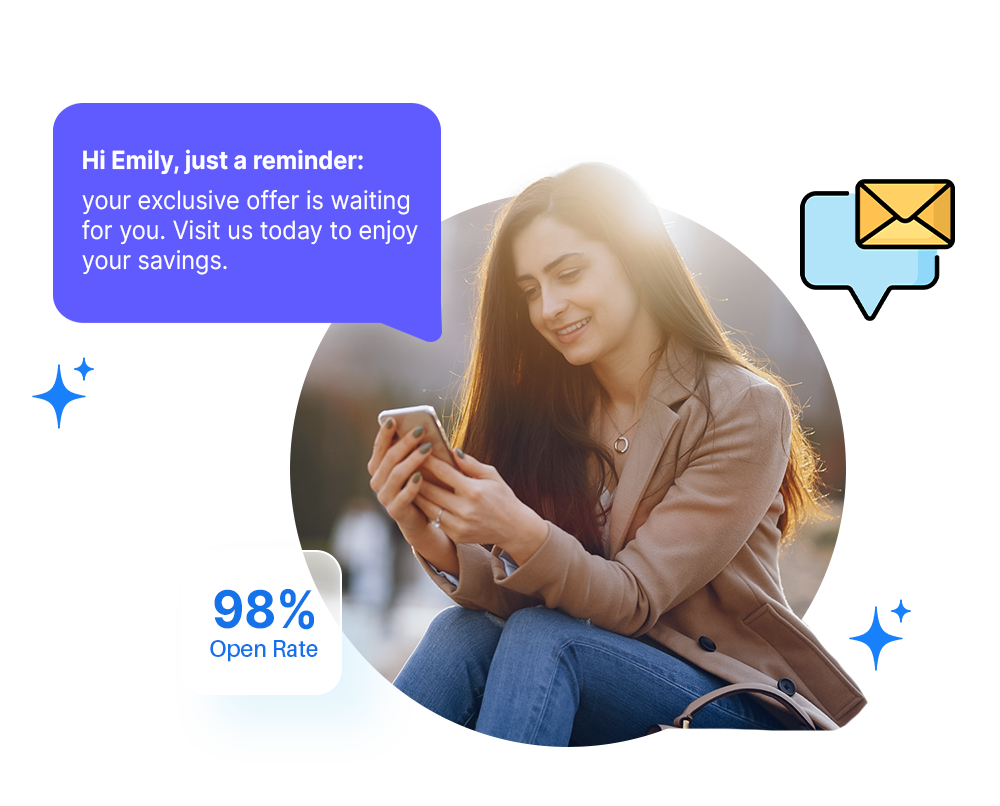
Stop jumping between tools. All SMS customer conversations land in a single unified inbox.

Every inbound, outbound, automated, and campaign message is logged and searchable in one view.
Fetch and view contact details from your CRM without switching tabs or re-entering information.
Slice conversations by channel, status, date, or assigned user to find exactly what you need, instantly.
How it works
Get your team set up in minutes — no onboarding headache required.
Link HelloSend to Zoho, Pipedrive, HubSpot, or Salesforce in one click.
Every inbound and outbound SMS appears automatically - no manual imports.
Sort by channel, status, date, or team member to stay focused.
Hand off threads to the right agent and track every conversation.
How it works
Built to solve the communication challenges that matter most in your industry — from follow-ups to order alerts to support queues.
Reach customers instantly with reliable SMS messaging.
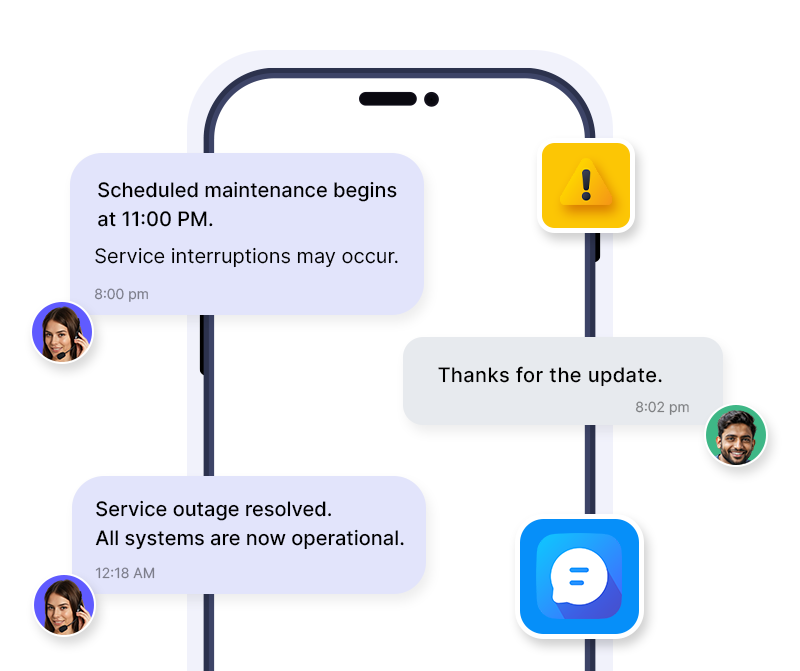
Stay on top of every order query, return request, and delivery update from one SMS inbox, no missed messages.

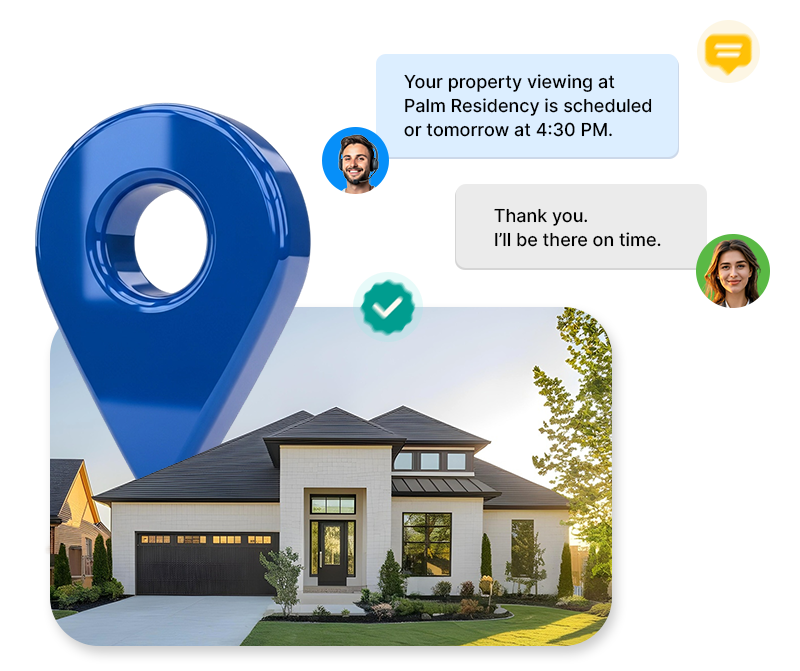
Follow up with leads, schedule viewings, and close deals faster, all managed from your SMS dashboard.
Drive repeat purchases and resolve customer issues faster with a centralized retail messaging hub.
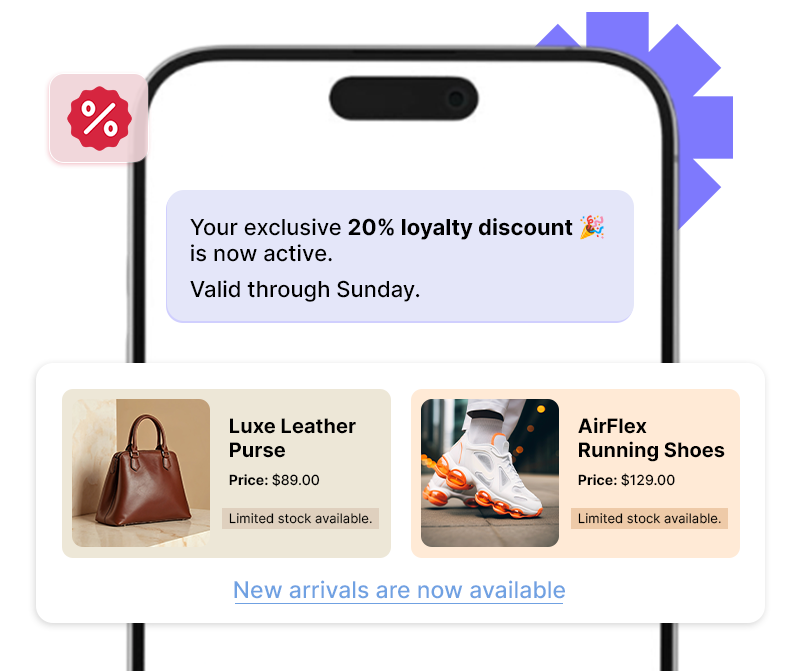
Connect your existing CRM in one click and start managing SMS conversations without changing your workflow.





"Dinesh is a top notch technician! He helped me figure out what was wrong with my extension. Very excited to use! Best short message extension, made for all CRM's especially for Zoho".

"Issues exist everywhere but don't panic. I contacted support and we were able to solve the issue, very well done. thank you. Recommend using this plugin"

"Good extension, works well, pretty straightforward to set up. Devs are helpful. Will continue to use the service. For Pipedrive - Twilio SMS extension."

"Great support from the developers! SMS and FB integration works perfectly."

"Boosted my sales. HelloSend, best extension, ease of use and smooth installation. Requested a feature request, awesome support, thanks Andrew."

"We have been working with HelloSend's multi-line extension since we migrated. This new extension is almost flawless. All previous issues have been completely resolved. We're very pleased with the service as well. Fixes have been FAST!"

"Transfomed my sales within a month. Best SMS Integration tool. Customer support helped me to solve the problem online shortly. Now I can use short message service. Enhance customer communication."

"Love this app."

"Amazing! Great app for integrating Twilio into Zoho Desk. Responsive devs. Just fixed a couple bugs that I reported and released a new version today!"

"Team was quick to respond to technical issues and seems to be adding new functionality quickly."

"Very responsive and helpful."

"My last review was pretty bad. Since then I have worked with them and installed the new update and it actually works really well to both individual as well as group txt...though I'll only use for individual leads. There are a couple of small bugs they need to address but nothing that will keep me from using!"

"Just purchased the extension. Smooth install. One request... Can you make the button available on the detail page as well as list view ? I know many that search for a contact and there is no way to text them without going page by page through Leads or Contacts.Thanks."

"This short message service extension is awesome! works perfectly. Compared to other ones we tried, this supports Arabic (and likely other). The support group (especially Andrew) is very nice and very patient. They help us set up the application and fix some issues at our end(not in the app) via zoom. Great app, no negatives. Thank you for developing this! Transform my sales from 0 to 100."


The HelloSend SMS Dashboard is a unified inbox that consolidates all your SMS, MMS, and WhatsApp conversations in one place. Connect it to your CRM, and your entire team can view, assign, and manage every customer thread without switching tools.
Yes. The Message Logs section captures every message recipient's reply to a bulk or drip campaign. You can filter by timeline and export the full log as a CSV file at any time.
Open any conversation and assign it to a team member in one click. They're notified by email instantly. Once resolved, you can close the thread, and it reopens automatically if the customer replies again.