

Summarize this blog post with:
Quick Summary
Picking a business messaging platform is not a small decision for an IT company. The wrong platform means customer conversations that live outside your CRM, follow-ups that fall through, and reps working from memory instead of history. This comparison breaks down the four things that actually decide deal velocity: WhatsApp support, CRM integration, shared inbox visibility, and automation, and where HelloSend stands on each.
IT companies searching for business messaging software USA options run into a real split. Some platforms handle high-volume SMS well and stop there. Others market themselves as omnichannel but connect WhatsApp and CRM data through third-party integrations that add setup time and break during updates.
The best business messaging platform for IT companies depends on where communication happens. The problem starts when customer conversations move into WhatsApp, SMS, or personal inboxes. Teams can chat internally, but they still struggle to track customer requests, assign follow-ups, and connect conversations with CRM data.
If the goal is managing customer conversations, platforms like HelloSend provide the workflows IT teams actually need.
The right platform should help teams:
- Manage customer conversations from one place
- Respond faster across SMS and WhatsApp
- Keep customer history connected with CRM systems
- Automate repetitive follow-ups
- Give teams visibility into ongoing conversations
4 Things That Matter Most When Picking a Platform
Every vendor page lists "SMS," "WhatsApp," and "automation." The features look the same until a rep tries to use them during a live customer conversation. 4 things separate a tool that helps from a tool that adds steps.
1. Does It Support WhatsApp Without a Workaround?
Many B2B customers now expect to reach support on WhatsApp, not just SMS. A platform without native WhatsApp support pushes those conversations into a separate app, which means a second inbox to check and a second place where context gets lost.
Check for a shared WhatsApp inbox, multiple users on the same number, and full conversation history tied to the contact.
2. Can the Whole Team See the Same Inbox?
A shared inbox stops customer conversations from living inside one person's phone. When a rep is out, the next person should see the thread, not start from zero.
Look for message assignment, read status, and a clear view of what's open versus untouched.
3. Does It Talk to the CRM, or Just Export to It?
A conversation is worth more when it sits next to the deal or ticket it belongs to. Native CRM integration means the message thread updates automatically when the contact record does.
A Zapier connection does something similar, but it adds a second system to maintain and a second thing that can break.
4. Does It Automate the Follow-Ups Reps Forget?
Reps forget to send appointment reminders. They forget to follow up on a lead that went quiet. Automation should catch both without someone manually building a workflow tool-by-tool.
Comparing Best Business Messaging Platforms for IT companies
Pricing note: Prices reflect publicly available starting plans and may change based on vendor updates, features, and usage requirements.
The 7 Best Business Texting Software for IT Companies
Business messaging platforms should be customer messaging platforms that help businesses communicate with customers.
For IT companies, the choice depends on the workflow:
- Customer support teams need conversation management
- Sales teams need follow-up visibility
- Operations teams need automation
Here are the top 7 messaging platforms for IT business solutions.
1. HelloSend—One inbox for SMS, WhatsApp, and Voice
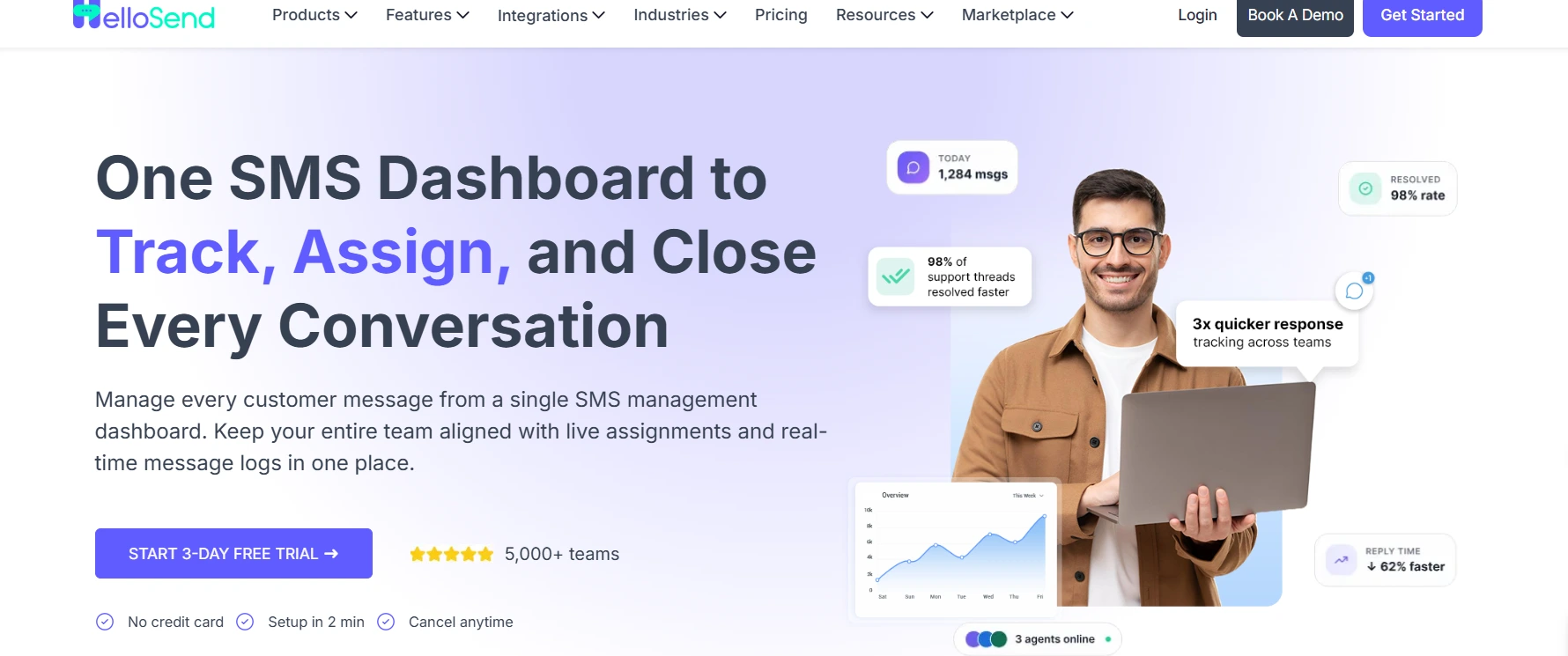
HelloSend is a business messaging platform that runs SMS, WhatsApp, and voice calls inside your CRM. Connect it to Zoho, HubSpot, Salesforce, Pipedrive, or Zendesk, and every conversation ties to the contact record automatically. Reps see the full message history, assign threads to the right person, and reply without leaving the CRM.
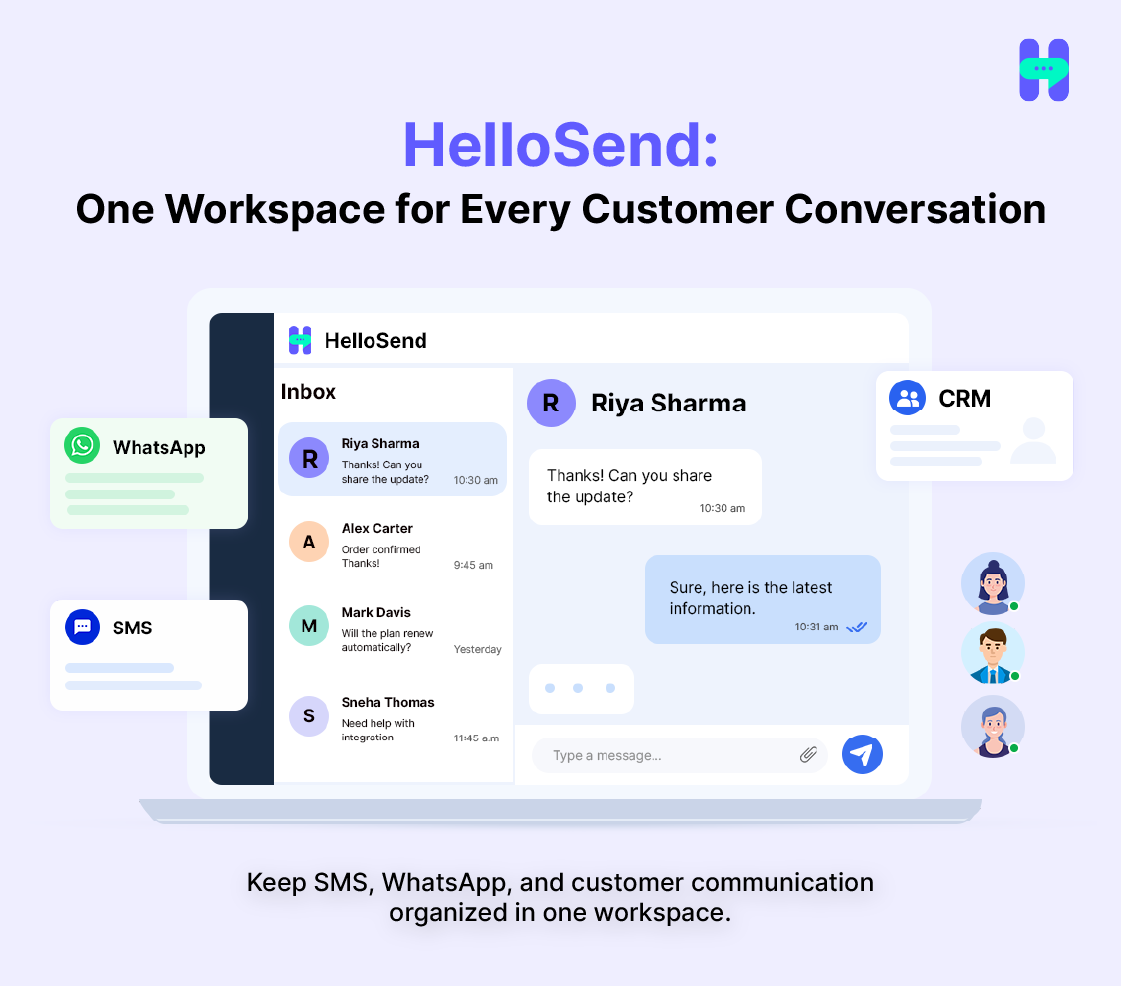
Strengths:
- SMS and WhatsApp tied to the contact record automatically; no separate contact list to maintain
- One-click voice calling from a contact or deal record, with call logging, recording, and voicemail routing
- A shared inbox unifies SMS, WhatsApp, and voice, so managers see what's open, assigned, or untouched
- Workflow automation fires off CRM events, like a new lead or a deal stage change
- Campaign and delivery tracking shows what sent, what failed, and what's still pending
- AI-assisted replies draft a response from conversation history for a rep to edit and send
Considerations:
- Not a CRM replacement; it assumes you already run one of the five supported systems
- Carrier fees from Twilio, RingCentral, or Meta are billed separately at cost, on top of the plan price
- Smaller teams under 3 users pay more per seat on the 1-user ($45/month) and 2-user ($60/month) plans
Pricing: Standard plan starts at $75/month for 3 users (or $60/month billed annually), with smaller 1-user ($45/month) and 2-user ($60/month) options available, plus a one-time $50 10DLC registration fee that HelloSend handles for you.
2. TextUs–Best for Business Texting and Customer Engagement.
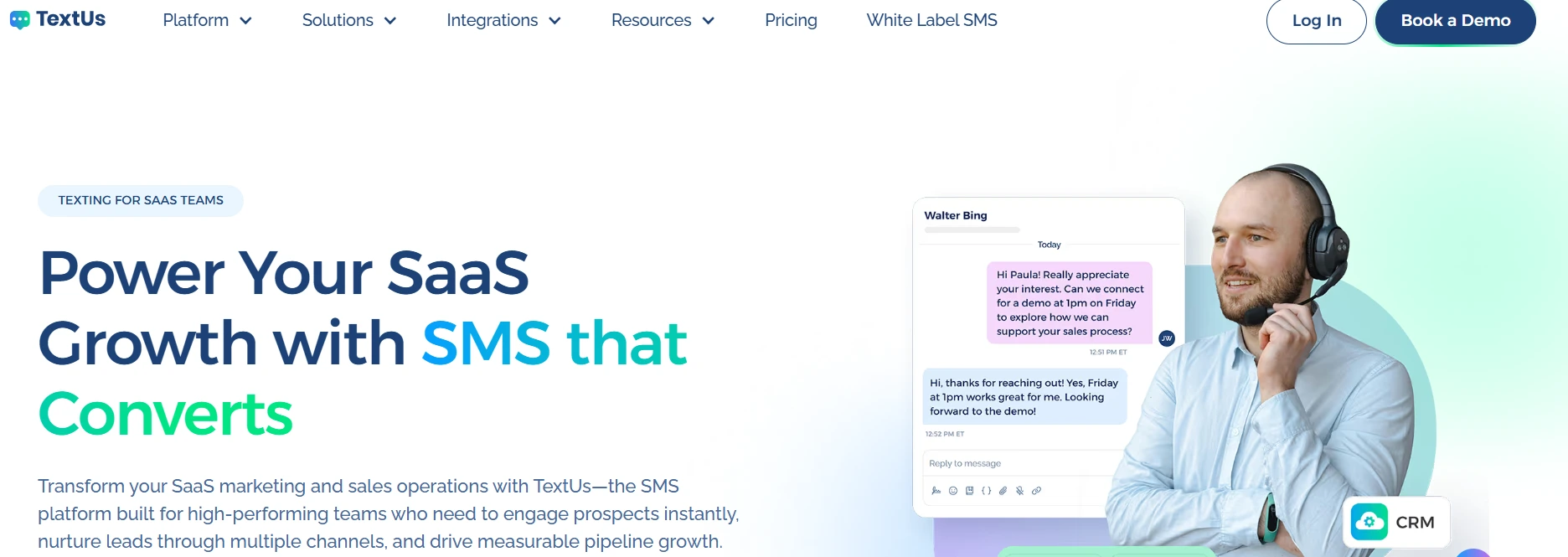
TextUs is a business texting software helping companies communicate with customers through SMS. It works well for teams that primarily need text-based communication. However, companies looking for deeper workflows around WhatsApp, CRM-connected conversations, and automation may need additional tools.
Strengths:
- Business texting capabilities
- Customer engagement through SMS
- Team communication features
Considerations:
- Best suited for SMS-focused workflows
- Companies needing broader communication channels may require additional integrations
Pricing: $99/month
3. SlickText—Best for SMS marketing and Business Texting
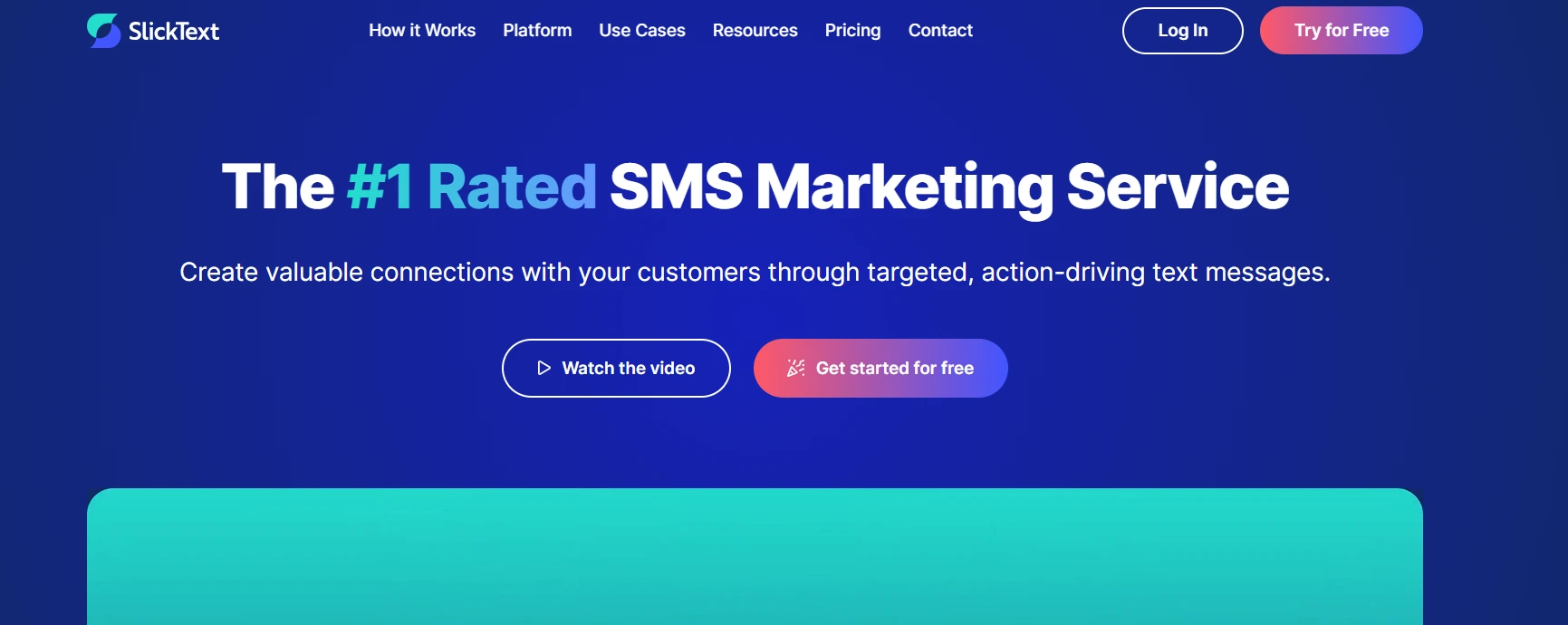
SlickText is a popular option for businesses that need SMS campaigns, promotions, and customer messaging.
It works well for marketing-focused communication. However, IT companies managing ongoing customer conversations may need more than broadcast messaging.
Strengths:
- SMS campaigns
- Text marketing
- Customer engagement
Considerations:
- More focused on SMS marketing
- Less focused on CRM-driven customer conversations
Pricing: $29/month
4. MessageDesk—Best for Shared SMS communication
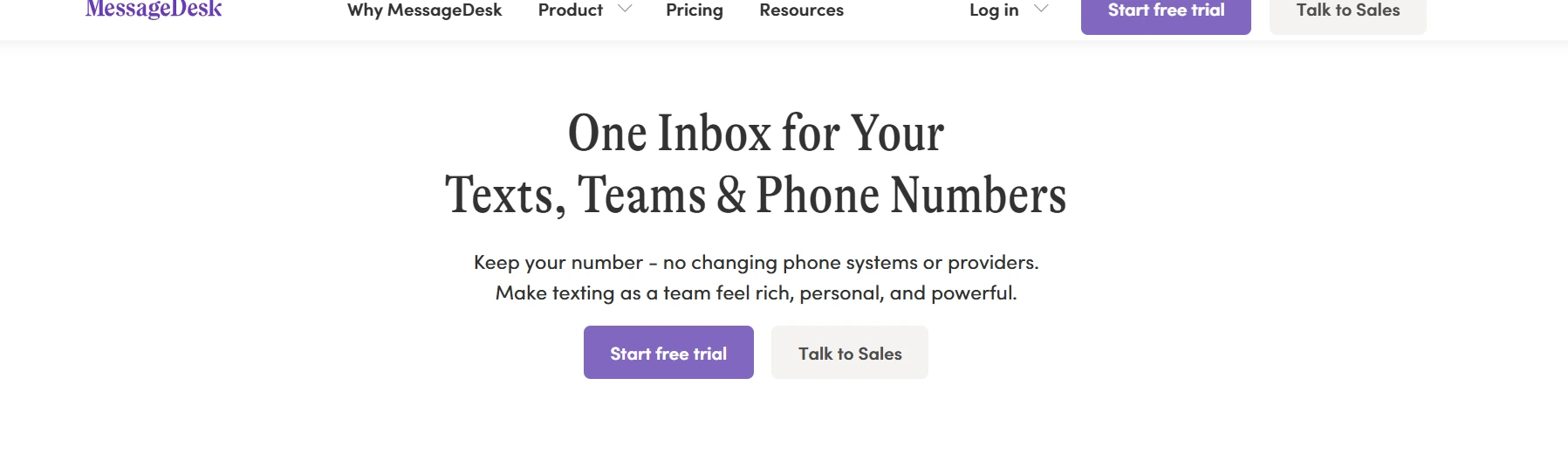
MessageDesk helps businesses manage customer texting through shared messaging workflows.
It fits companies that want better control over business texting but may not need complex customer communication automation.
Strengths:
- Shared texting workflows
- Team-based messaging
- Business SMS management
Considerations:
- Better fit for SMS-first communication
- Teams needing WhatsApp and CRM workflows may need additional capabilities
Pricing: $39/month
5. Heymarket—Best for teams who want WhatsApp alongside SMS
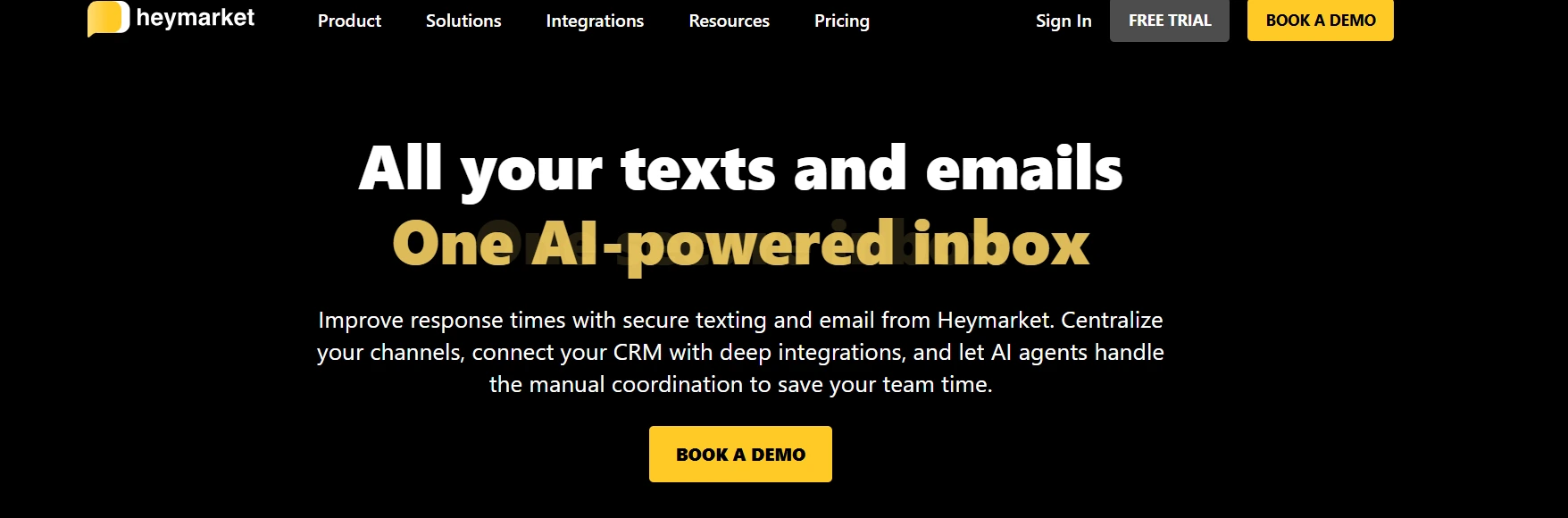
Heymarket is a shared-inbox messaging platform with native CRM integrations. Pricing is per user with a 2-user minimum, reported between $20 and $62 per month per user depending on the plan tier and source, so confirm current rates on heymarket.com/pricing before publishing.
Strengths:
- WhatsApp support alongside SMS, both in the same shared inbox
- Native integrations with Salesforce and HubSpot
- AI-assisted texting for drafting and translation
Considerations:
- Per-user pricing climbs quickly as the team grows
- Automation and advanced reporting are gated to higher tiers
- A $10/month per-campaign fee applies for 10DLC compliance
Pricing: ~$20/user/mo (2-user min)
6. SimpleTexting—Best for Small Business SMS Campaigns and Appointment Reminders

SimpleTexting is a credit-based SMS platform serving US and Canadian businesses. It starts at $39/month for a local number with 500 credits and 3 user seats included, rising by $20/month per additional user.
Strengths:
- Feature parity across all plans, so budget tiers still get automation and API access
- Rollover credits carry unused messages into the next month
- 1,000+ integrations through Zapier
Considerations:
- No WhatsApp support
- CRM integration runs through Zapier and Mailchimp, not a native connection
- Per-user pricing beyond the included 3 seats adds up on a growing team
Pricing: $39/mo (3 seats incl.)
7. Textedly—Best for High-volume SMS marketing and Business Reviews
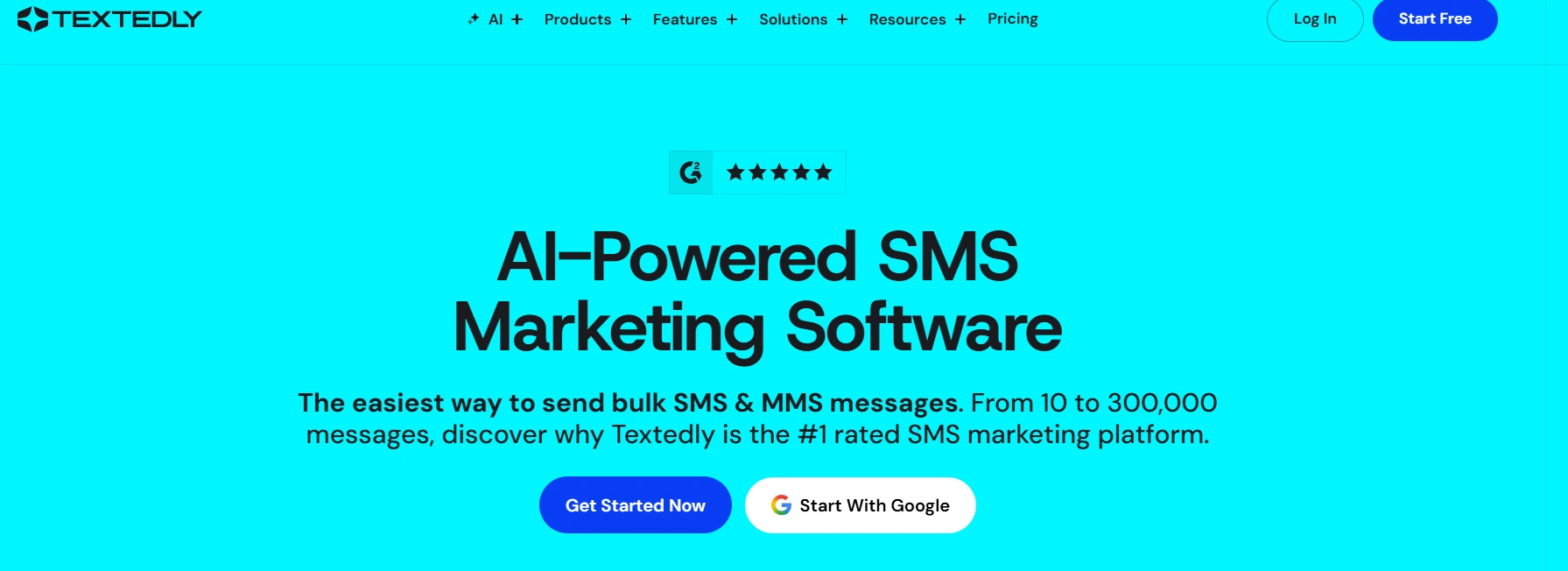
Textedly is an SMS and MMS platform built for mass texting, automated review requests, and payment collection. It starts at $29/month and scales by message volume rather than seats, with every feature unlocked on every plan.
Strengths:
- All features included from the entry plan, including AI voice agents and text-to-pay
- Free omnichannel inbox for two-way replies
- Scales cleanly from 50 messages to 300,000+ per month
Considerations:
- No WhatsApp support
- CRM sync to Salesforce, HubSpot, or Pipedrive runs through Zapier, not a native connection
- Adding a teammate costs $10/month per person
Pricing: $29/mo (scales with volume)
What Should IT Companies Avoid When Choosing Messaging Software?
The biggest mistake is selecting a platform based only on popularity. A tool that works for internal chat can create more manual work for customer support teams if it lacks shared inboxes, CRM integration, and automation.
Common mistakes:
- Choosing internal chat tools for customer communication
- Ignoring WhatsApp requirements
- Buying SMS tools without workflow automation
- Overlooking CRM integration
The Bottom Line
The best business messaging platform for IT companies is not the one with the longest feature list. It is the one that keeps a conversation and the contact record it belongs to in the same place, so a rep can answer a customer without switching tools mid-reply.
HelloSend runs SMS, WhatsApp, and voice inside the CRM itself, so the conversation and the contact record stay in the same place. Heymarket is the other platform in this list with native WhatsApp and CRM integration, priced per seat. TextUs, SlickText, MessageDesk, SimpleTexting, and Textedly are strong at what they do. None of them connect WhatsApp and a CRM natively.
If your team already runs Zoho, HubSpot, Salesforce, Pipedrive, or Zendesk, go for HelloSend, which keeps SMS, WhatsApp, and voice inside that system instead of layering another app on top.
Try HelloSend free and see how your team's SMS, WhatsApp, and voice conversations look inside the CRM you already use.

FAQs
1. What is the best business messaging platform for IT companies?
For IT companies managing customer conversations across channels, HelloSend and Heymarket are the two platforms in this comparison with native WhatsApp and CRM integration. HelloSend fits teams on Zoho, HubSpot, Salesforce, Pipedrive, or Zendesk. Heymarket fits teams specifically on Salesforce or HubSpot.
2. Is a business messaging platform different from a business SMS platform?
A business SMS platform sends and receives text messages over mobile networks. A business messaging platform usually includes SMS plus channels like WhatsApp, a shared inbox, CRM integration, and automation built to manage full conversations rather than single messages.
3. What should I check before switching business messaging platforms?
Confirm the new platform supports every channel your customers already use, connects natively to your CRM instead of through a third-party workflow tool, and lets you export existing conversation history. Also confirm 10DLC registration status, since unregistered numbers can see messages blocked or delayed by carriers.
4. How secure are business messaging platforms?
Security varies by vendor, so check each platform's data and compliance policies before you sign up. Look for 10DLC registration, since US carriers block messages from unregistered numbers. If the platform connects to your CRM, confirm how it handles contact data during that sync too.
5. What industries benefit from business messaging software?
B2B companies with customer-facing support, sales, or onboarding teams benefit the most. IT and software companies see the clearest gains, since fast-moving deals and tickets depend on accurate conversation history. Companies without a CRM or with low messaging volume often do fine with basic SMS tools instead.



.webp)
