

Summarize this blog post with:
Quick Summary
HubSpot + WhatsApp lets you send, track, and automate WhatsApp messages directly from your CRM. Follow this step-by-step guide to set up the integration, build workflows, and close more deals faster.
Your sales rep just closed a deal over WhatsApp, follow-ups, objections, final confirmation, all of it happened in a chat thread. But open HubSpot, and the contact record is empty. No conversation history. No trigger fired. No follow-up task created. That deal happened, but as far as your CRM is concerned, it barely existed.
This is the gap that HubSpot + WhatsApp integration is designed to close. When your WhatsApp conversations live inside your CRM, every message becomes data, trackable, actionable, and connected to the full customer journey.
This blog walks you through exactly How To Integrate WhatsApp with HubSpot, what you need before you start, how to automate it, and what limitations to plan around. If you're already using HubSpot and seriously evaluating WhatsApp as a business channel, this guide is built for you.
What Is HubSpot + WhatsApp Integration and Why Does It Matter?
The Communication Gap HubSpot Alone Can't Fill
HubSpot is exceptional at managing email sequences, call logs, and deal pipelines. But here's the reality: a growing share of your customers don't want to be reached by email. They're on WhatsApp, and they expect businesses to be there too.
The numbers make this impossible to ignore. As of 2026, WhatsApp has over 3.3 billion active users globally. Messages sent on WhatsApp have a 98% open rate, compared to the 20–25% typical of marketing emails.
What Changes When You Connect the Two
- The moment you connect WhatsApp to HubSpot, the dynamic shifts completely. Every incoming and outgoing WhatsApp message is logged directly on the contact record in real time. If a lead messages you about pricing on WhatsApp, that interaction sits right next to their email history, call notes, and deal stage, giving every team member full context before they respond.
- Beyond logging, the integration unlocks automation. WhatsApp activity can trigger HubSpot workflows, moving a deal to the next stage, enrolling a contact in a follow-up sequence, or alerting a sales rep the moment a prospect replies.
- Teams respond from a single shared inbox inside HubSpot without switching tabs, juggling apps, or losing conversational context.
Top 3 Tools for HubSpot WhatsApp Integration
Here’s a comparison of the top tools for HubSpot WhatsApp integration.
1. HelloSend
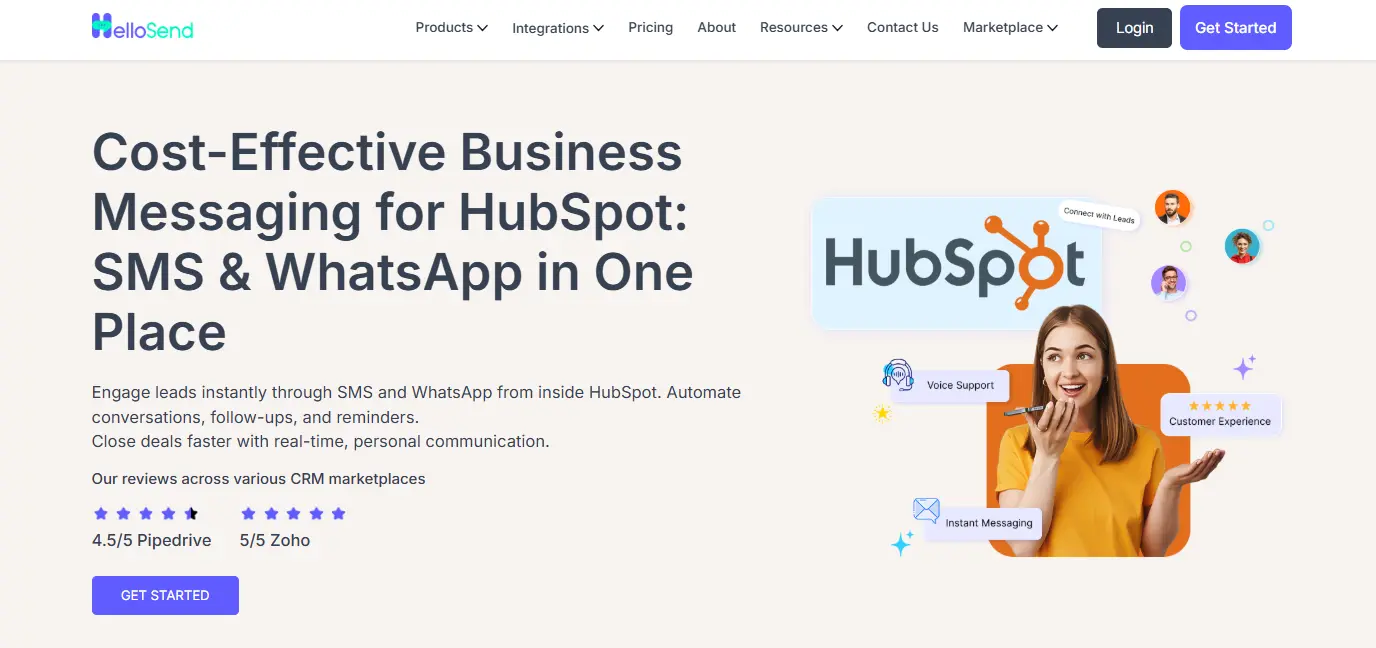
Introduction: HelloSend is one of the leading solutions for WhatsApp HubSpot integration, offering an easy-to-use, intuitive platform designed to enhance customer communication.
With HelloSend, businesses can automate workflows, manage leads effectively, and ensure seamless synchronization between WhatsApp and HubSpot.
The tool is specifically tailored to streamline lead management, sales processes, and communication, all in one place. Its user-friendly setup and powerful features make it an ideal choice for businesses of all sizes like E-commerce, Retail, Information Technology (IT) and real estate.
HelloSend’s Top Key Features
- SMS + WhatsApp Messaging: HelloSend lets you send SMS, Personal WhatsApp, and Meta WhatsApp messages directly from HubSpot, giving teams the flexibility to engage customers on their preferred channels without switching tools.
- Shared Inbox Inside HubSpot: All SMS and WhatsApp conversations are managed inside a centralized shared inbox in HubSpot. This keeps your sales team aligned, simplifies message tracking, and ensures nothing gets missed.
- One-to-One Messaging: Send personalized SMS and WhatsApp messages from any contact, deal, or company record. Replies are automatically logged back into HubSpot, preserving full conversation history and context for every interaction.
- Campaign Messaging at Scale: Launch targeted SMS and WhatsApp campaigns using HubSpot contact filters or imported lists. HelloSend keeps every outreach tied to the correct CRM record and tracks delivery and responses in real time.
- Automated Messaging: With HelloSend, you can trigger SMS and WhatsApp messages through HubSpot workflows, perfect for follow-ups, reminders, onboarding sequences, or nurture campaigns based on form fills or deal stages.
Why Choose HelloSend for HubSpot WhatsApp Integration?
While there are several tools available for HubSpot WhatsApp integration, HelloSend stands out as the number one choice for businesses looking to scale and manage their lead engagement.
Here’s why:
1) Easy Integration
HelloSend offers a simple, seamless integration with HubSpot that requires no coding. This makes it ideal for businesses of all sizes, from small startups to larger enterprises, that want to implement WhatsApp HubSpot integration without requiring technical expertise. Explore: HelloSend’s All Integrations.
2) Automated Workflows for Lead Management
One of the key features of HelloSend is its ability to automate workflows based on WhatsApp messages. From automated responses to follow-up reminders, HelloSend helps sales teams stay on top of leads, saving valuable time and ensuring no lead is left behind.
3) Scalability and Flexibility
Whether you’re a small team or a growing enterprise, HelloSend can scale with your business. It’s designed to handle increasing lead volumes while maintaining performance, making it a flexible solution that evolves with your needs.
HelloSend Pricing
HelloSend offers very reasonable pricing plans. Any business can afford it without difficulties.
To learn more, click on HelloSend Pricing Plans.

2. WATI
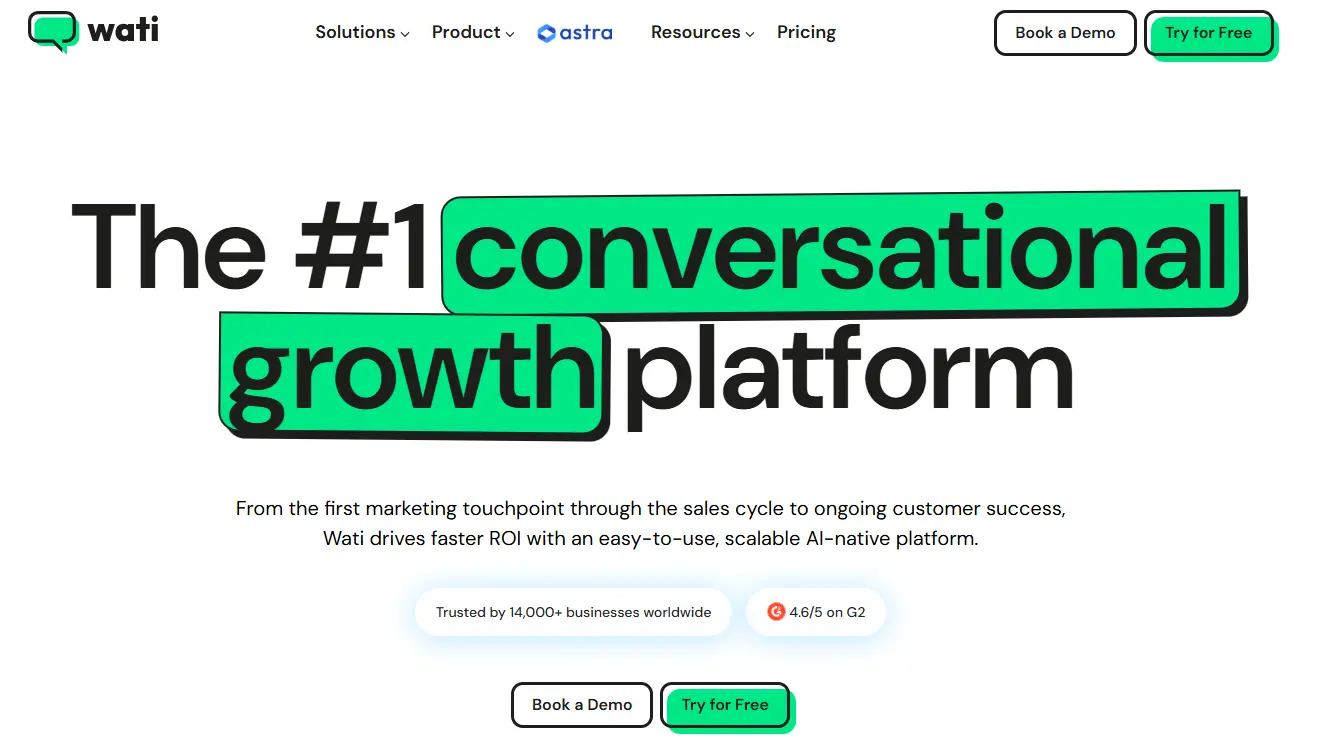
Introduction: WATI is a robust WhatsApp Business API integration tool that connects seamlessly with HubSpot CRM. It allows businesses to automate WhatsApp messaging, create personalized customer experiences, and streamline lead engagement through HubSpot.
Top 3 Key Features:
- WhatsApp Business API Integration: Direct integration with HubSpot for efficient customer interactions.
- Automated Messaging: Automate messages, broadcast campaigns, and customer follow-ups.
- Team Collaboration: Multiple agents can manage WhatsApp conversations within HubSpot, ensuring better support.
3. TimelinesAI
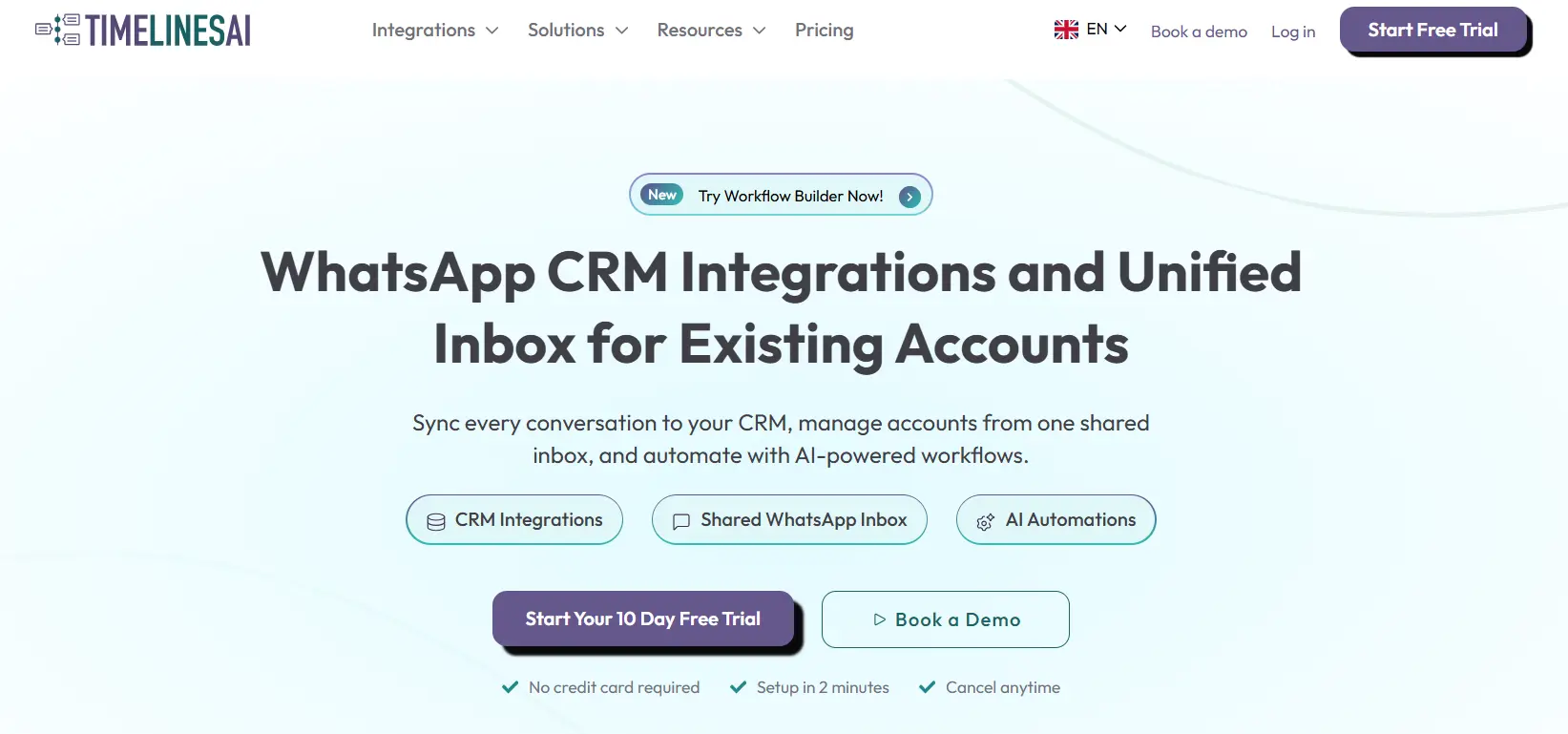
Introduction: TimelinesAI offers an easy-to-use solution for integrating WhatsApp with HubSpot CRM, ideal for small to medium-sized businesses looking to automate basic workflows. With TimelinesAI, businesses can manage leads, automate simple communication, and leverage HubSpot’s CRM features to enhance customer interaction.
Top 3 Key Features:
- HubSpot CRM Integration: Easily sync WhatsApp messages with HubSpot CRM to track and manage leads.
- Basic Automation: Automate message responses and simple workflows to save time.
- Simple Setup: Quick and easy to set up, even for non-technical users.
How To Send Whatsapp Messages Directly From Hubspot, Step By Step
Step 1: Choose a WhatsApp Integration
- Select a WhatsApp Business API provider that integrates with HubSpot (e.g.HelloSend).
- Ensure your WhatsApp Business account is verified.
Step 2: Connect WhatsApp to HubSpot
- Log in to HubSpot.
- Navigate to Settings → Integrations → Connected Apps.
- Search for your WhatsApp integration provider and follow the Connect App process.
- Authenticate your WhatsApp Business account and allow HubSpot to access your contacts.
Step 3: Map Contacts and Phone Numbers
- Ensure all HubSpot contacts have valid international phone numbers.
- Map the phone number field in HubSpot to the WhatsApp integration for accurate message delivery.
Step 4: Create a WhatsApp Message Template
- In your WhatsApp integration dashboard, create a message template (pre-approved by WhatsApp if required).
- Include personalization tokens like First Name or Company Name from HubSpot.
Step 5: Send WhatsApp Messages from HubSpot
- Go to Contacts → Select Contact.
- Click Send WhatsApp Message (this option appears after integration).
- Select your pre-approved template or draft a custom message.
- Review, then click Send.
Step 6: Automate WhatsApp Messaging
- Use HubSpot Workflows to send automated WhatsApp messages based on triggers: form submissions, deal stage changes, or cart abandonment.
- Test the workflow before activating it live.
Step 7: Track and Analyze
- Monitor message delivery, open rates, and responses directly in HubSpot.
- Use analytics to refine templates and improve engagement.
Conclusion
HubSpot + WhatsApp is one of the most practical integrations available to sales, marketing, and support teams today, not because WhatsApp is a trendy channel, but because it's where a significant portion of your customers already spend their time. When that channel connects directly to your CRM, conversations stop being isolated events and start becoming part of a coherent, trackable customer journey.
You now have a clear picture of what's required to get started, how to complete the setup step by step, how to automate messaging through workflows, and what limitations to plan around before you go live. The next step is straightforward: check your HubSpot plan, verify your Meta Business Account, and start building. Also try hubspot SMS marketing to connect your customers.
The teams seeing the best results from this integration didn't wait until everything was perfect. They started with one workflow, tested it, and expanded from there. That's the approach worth taking.

Frequently Asked Questions
1. How to integrate WhatsApp with HubSpot?
To integrate WhatsApp with HubSpot, use a WhatsApp Business API provider like Twilio, 360dialog, or MessageBird. Connect the provider to HubSpot via Settings → Integrations → Connected Apps, authenticate your WhatsApp account, map contact phone numbers, and start sending messages or automating workflows directly from HubSpot.
2. What happens to my existing WhatsApp conversations when I connect to HubSpot?
They don't transfer. Only messages sent and received after the connection is established will sync to HubSpot. Historical conversations will not be imported, so it's a good idea to manually note any important prior interactions on contact records before connecting.
3. Can I send WhatsApp messages to any contact in HubSpot, or do they need to opt in first?
Contacts must opt in before you can send them business-initiated WhatsApp messages. HubSpot checks opt-in status stored in the contact's subscription preferences before allowing outbound messaging. Building opt-in collection into your forms and onboarding flows is essential before using WhatsApp at scale.
4. Does the 24-hour messaging window reset if a contact replies?
Yes. Every time a contact sends you a message, a fresh 24-hour window opens. During that window, your team can send free-form messages without needing a pre-approved template. The window only closes when 24 hours pass without any inbound message from the contact.
5. What's the difference between a WhatsApp Business App and WhatsApp Business API when used with HubSpot?
The WhatsApp Business App is a standalone mobile app designed for small businesses managing conversations manually. The WhatsApp Business API is a developer-level integration layer that allows platforms like HubSpot to connect to WhatsApp programmatically, enabling automation, workflow triggers, CRM logging, and multi-agent access.


.webp)


.webp)
