


Summarize this blog post with:
Quick Summary
CRM teams lose context when sales and support conversations happen on personal phones and in separate apps. The best customer messaging platform connects SMS, WhatsApp, and calls to the CRM you already use, logs every interaction to the contact record, and automates routine follow-ups. This guide compares HelloSend, Netcore, Braze, MoEngage, and Bloomreach on channels, integrations, automation, and pricing, so you can match a platform to your team's size and workflow.
Your sales rep sends a prospect a WhatsApp message from a personal phone. Another rep follows up by SMS. Neither conversation gets added to the CRM.
The prospect replies two days later. The original rep is unavailable, so someone else picks up the conversation without knowing what was discussed.
This is the problem CRM teams run into when customer messaging sits outside the systems they already use.
You do not necessarily need another CRM. You need customer messaging software that works with your existing CRM, keeps conversations visible, and gives your team a reliable way to manage follow-ups.
This guide covers six things to evaluate, compares five customer engagement platforms, and looks at what the cost can look like for a three-user team.
What Is the Use of a Customer Messaging Platform?
A customer messaging platform gives teams a central place to send, receive, automate, and track customer communications across channels such as SMS, WhatsApp, and voice.
The important distinction is where it fits in your stack.
A CRM stores customer records, deals, activities, and other business information. A messaging platform handles the actual conversations and connects those interactions back to the customer record.
For CRM teams, that can mean:
- Following up with leads by SMS or WhatsApp
- Sending appointment reminders
- Updating customers about orders or service requests
- Managing two-way customer conversations
- Sending marketing campaigns
- Automating follow-ups based on CRM activity
- Recording communication history
- Giving managers visibility into customer conversations
The goal is not to replace the CRM. It is to make customer communication part of the workflow your team already follows.
For a broader look at how businesses use these channels, see the Complete Guide to Customer Messaging.
What Features Should Customer Messaging Software Have?
Not every platform that sends messages is built for CRM teams. When comparing options, look at how communication fits into your team's existing workflow.
1. Omnichannel Communication
Customers do not always want to communicate through the same channel.
A prospect may respond to an SMS but prefer WhatsApp for ongoing conversations. A customer may need a phone call for a complex issue but prefer text for a reminder.
A customer messaging platform should let your team manage the channels it actually uses without forcing conversations into separate tools.
Look for support for:
- SMS
- Voice or calling
- RCS, where available
- Two-way messaging
- Shared conversation history
- Centralized inboxes
- Cross-channel customer records
The important part is not the number of logos on a feature page. It is whether your team can move between channels without losing the context of the conversation.
What CRM Teams Should Check
Before choosing a platform, ask:
- Which channels does it support today?
- Are conversations two-way?
- Can reps switch channels while keeping the customer history?
- Are calls and messages recorded against the customer?
- Can managers see conversations without accessing a rep's personal account?
2. AI Automation and Tools
AI can be useful in customer communication, but CRM teams do not necessarily need an AI chatbot answering every customer.
The more practical use cases are often smaller workflow improvements.
For example, a platform can trigger a follow-up after a CRM activity, suggest a response to a customer, summarize a conversation, or automatically send a reminder when a customer takes a particular action.
Useful automation features include:
- Automated follow-ups
- Message suggestions
- Conversation summaries
- Automated responses
- CRM-based workflow triggers
- Contact segmentation
- Scheduled messaging
- AI-assisted communication
- Follow-up reminders
The best setup gives the team control. Reps should still be able to take over a conversation when automation is not appropriate.
3. Integrations With Your Existing Tools
If your CRM remains the system of record, integration is one of the most important things to evaluate.
A messaging platform should not create another customer database that your team has to maintain separately.
Look for:
- Native CRM integrations
- Contact synchronization
- APIs
- Webhooks
- Marketing integrations
- Helpdesk integrations
- Automation-platform integrations
- Conversation and interaction syncing
- CRM-triggered messaging
The workflow should look something like this:
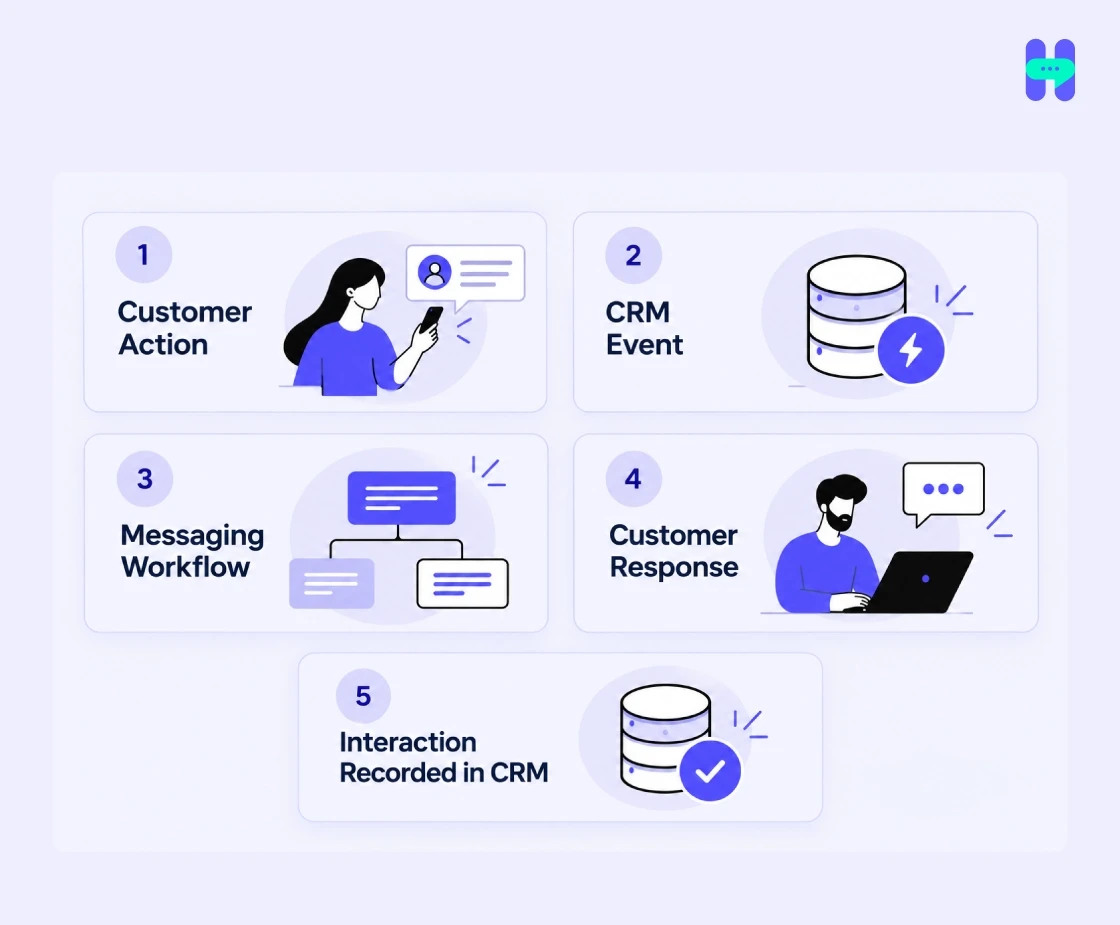
That keeps the communication connected to the customer instead of leaving it in a separate inbox.
For example, HelloSend supports integrations with CRM and business tools including HubSpot, Salesforce, Zoho CRM, Pipedrive, Microsoft Teams, Zoho Desk, and Zendesk.
A useful example of messaging being integrated into an existing team workflow is the Cabins For You case study.
Why Does an All-in-One Customer Messaging Platform Matter for CRM Teams?
The issue with fragmented customer communication is not limited to inconvenience.
When conversations are spread across personal phones, separate WhatsApp accounts, email threads, and disconnected messaging tools, the team loses visibility.
An all-in-one customer messaging platform puts SMS, WhatsApp, and calls in one place and ties each conversation to the same customer record. Reps stop switching between apps, and managers can see every conversation without asking for screenshots.
Reduce Communication Gaps
A centralized communication workflow can reduce problems such as:
- Missed follow-ups
- Scattered conversations
- Inconsistent responses
- Unclear ownership
- Difficult handoffs between reps
If a rep leaves the team or becomes unavailable, another employee should be able to understand the customer's previous interactions without asking the customer to repeat everything.
Give CRM Teams More Context
Customer communication becomes more useful when it sits alongside customer information.
A rep can see:
- Previous messages
- Responses
- Calls
- Follow-up activity
- Customer details
- Relevant CRM activity
That gives the rep context before they contact the customer again.
Support More Conversations Without More Manual Work
Not every follow-up needs to be written and sent manually.
Teams can automate reminders, schedule messages, use templates, and trigger communication from CRM activity.
This is particularly useful for repetitive workflows such as appointment reminders, lead follow-ups, abandoned inquiries, customer updates, and re-engagement messages.
Make Customer Communication Measurable
Once conversations are handled through a business platform, teams can start measuring communication instead of relying on individual reps to report what happened.
Useful metrics include:
- Response rates
- Delivery rates
- Conversation volume
- Follow-up completion
- Channel performance
- Customer engagement
- Call activity
For an example focused on communication workflow efficiency, see the 1st Choice Alliances case study.
How Do You Choose the Best Customer Messaging Platform for Your CRM Team?
The best customer messaging platform for one team can be the wrong fit for another. Start with the way your team communicates today.
Start With Your Communication Channels
List the channels your customers already use.
If most conversations happen through SMS and WhatsApp, a platform built around those channels may make more sense than a large engagement suite built primarily for app-based customer journeys.
Also consider whether you need voice, RCS, email, push notifications, or other channels now or later.
Check CRM and Business Tool Integrations
Start with your existing stack.
If your team lives in HubSpot, Salesforce, Zoho, or another CRM, check whether the messaging platform connects directly to it.
The fewer times reps need to copy customer information between systems, the easier the workflow is to maintain.
Evaluate Automation
Look beyond the phrase "automation."
Find out what can actually trigger a message.
For example:
New lead → SMS follow-up
Appointment booked → WhatsApp confirmation
No response after three days → Follow-up message
Customer reply → Task assigned to sales rep
The useful question is not whether a platform has automation. It is whether the automation matches the workflows your team needs.
Consider Team Collaboration
Messaging becomes a team process once multiple people handle customers.
Look for:
- Shared inboxes
- Conversation assignment
- User permissions
- Customer ownership
- Interaction history
- Internal visibility
- Call logs
- Templates
This matters especially when leads move between sales, support, account management, and operations.
Match the Platform to Your Team Size
A customer messaging platform for startups has a different job than one built for an enterprise marketing team. Early teams need their core channels, a working CRM connection, and pricing they can forecast as volume grows. Enterprise suites add customer data platforms and journey builders that a three-person sales team may never open.
Look for:
- Published pricing you can check before a sales call
- A plan that covers your current headcount
- Clear per-user and per-message costs as you grow
- Set up your team can complete without a dedicated admin
- Integrations with the CRM you use today
Compare Pricing Against Actual Usage
Do not compare monthly subscription prices alone.
Check:
- Platform subscription
- User limits
- Message limits
- Per-message charges
- WhatsApp charges
- Voice charges
- Additional channel costs
- API or integration costs
- Carrier fees
- Setup or registration fees
A platform with a lower subscription price can still cost more if your communication volume is high or important channels carry separate usage fees.
Top Customer Engagement Platforms in 2027
The platforms below solve different problems, so a feature-by-feature comparison is more useful than calling one universally "best."
1. HelloSend
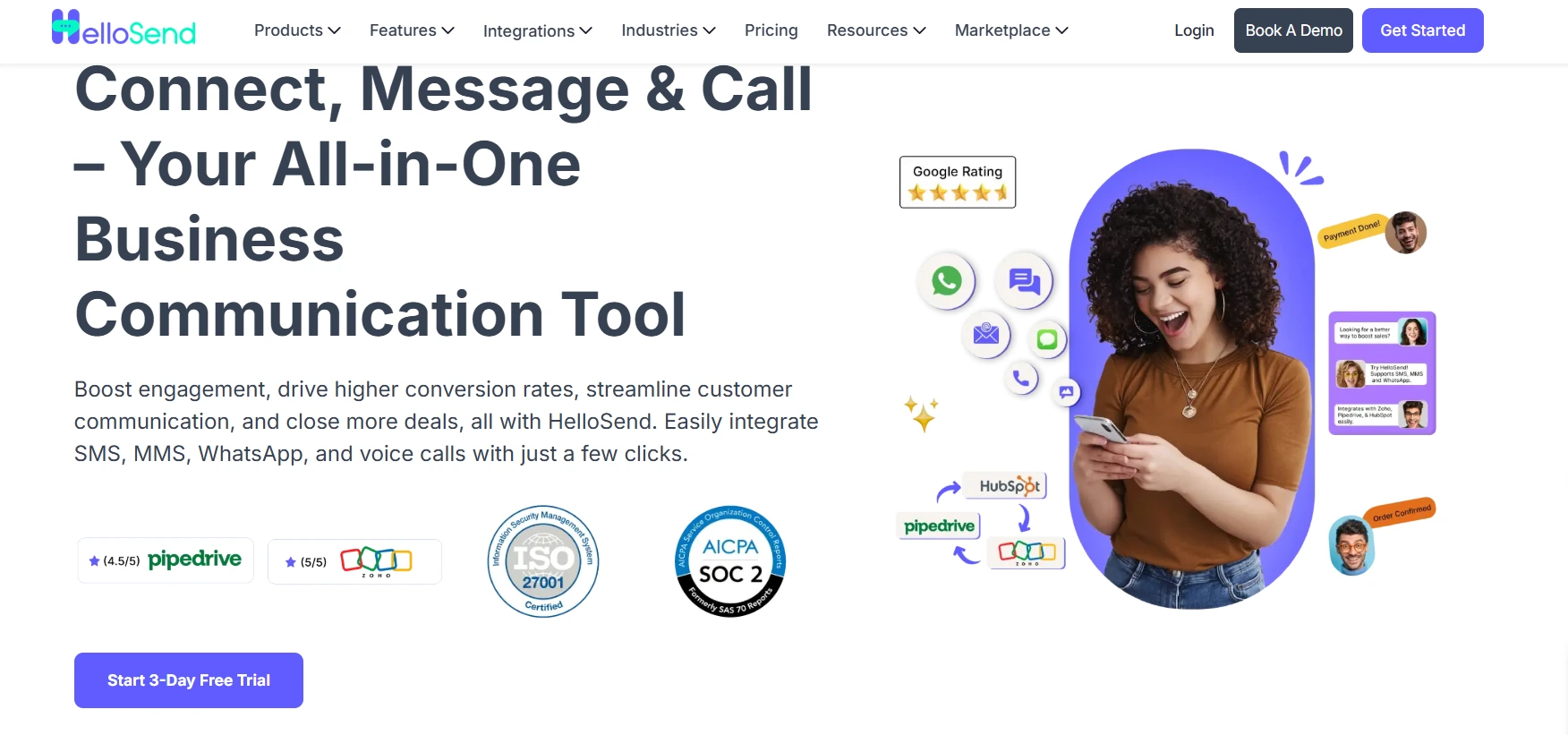
HelloSend is built around customer communication through SMS, WhatsApp, voice, and related CRM workflows. It is a better fit for teams that want messaging and calling connected to their business tools without adopting another full CRM.
Channel support:
- SMS
- Voice
How it works with your CRM:
- Reps text, message on WhatsApp, or call from the contact record. They do not need to switch tabs or copy numbers.
- Each message and call logs to the contact, so the next rep sees the full history before replying.
- Templates pull contact fields from the CRM to personalize messages.
- Workflows run on CRM triggers or schedules. For example, a new lead can trigger an SMS, or a booked appointment can trigger a WhatsApp confirmation.
Strengths:
- Multi-channel customer communication
- Centralized inbox
- CRM-triggered messaging
- Automated workflows
- Two-way SMS
- WhatsApp Business API support
- Call tracking and logging
- Team permissions
The current HelloSend Standard plan includes SMS, WhatsApp, calls, centralized inbox functionality, CRM automations, templates, campaigns, and opt-in/opt-out management.
Considerations:
HelloSend is more relevant when customer communication is the main requirement. Teams looking for a large customer-data, marketing-analytics, or product-engagement suite may need a broader platform.
Pricing:
As of October 2026, the Standard plan is $75/month when billed monthly or $60/month when billed annually. Both include three users and 10,000 messages per month. Additional users are $25/month each. Carrier charges from providers such as Twilio, RingCentral, and Meta are separate.
The annual option is $720 for the year, compared with $900 when paying $75 monthly for 12 months. Pricing should be rechecked before publishing this article in 2027 because messaging and carrier costs can change.
2. Netcore Cloud
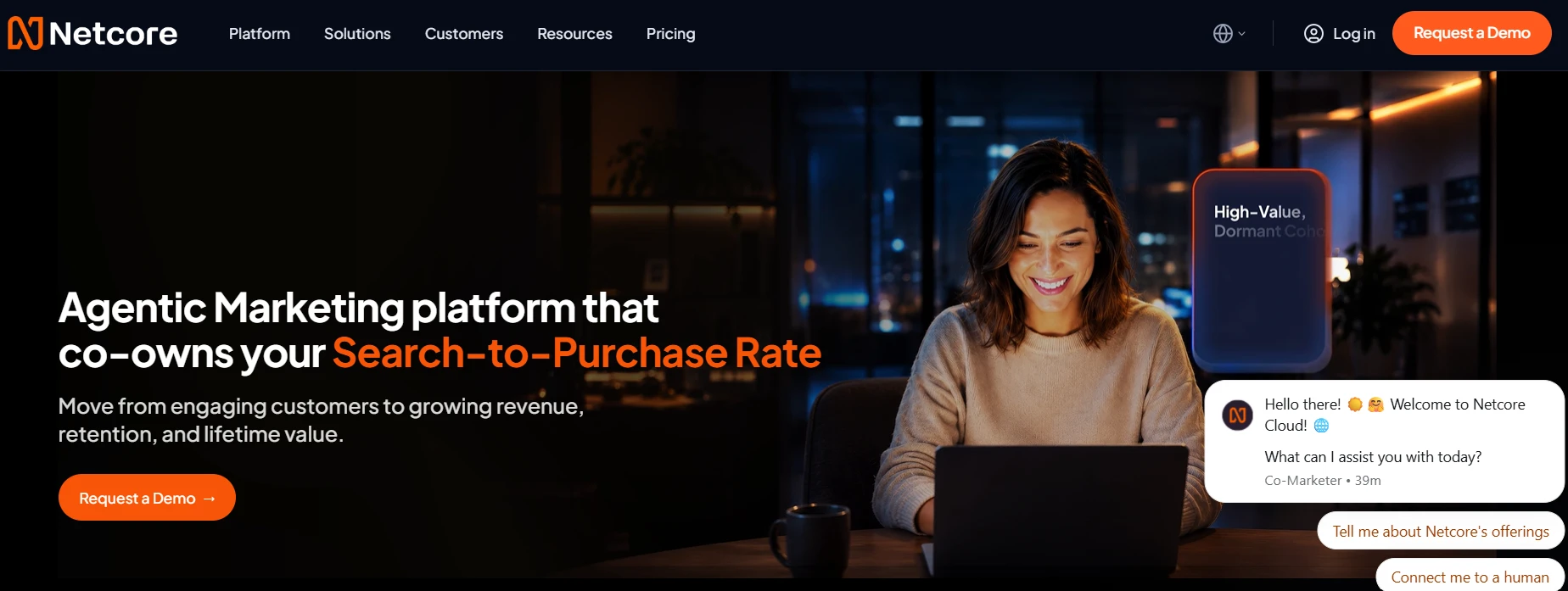
Netcore is a broader customer engagement platform aimed at businesses running large-scale, data-driven customer journeys.
It supports channels including SMS, WhatsApp, RCS, email, voice, push notifications, and in-app messaging. Its platform also combines customer data, segmentation, journey orchestration, analytics, and AI capabilities.
Channel support:
- SMS
- RCS
- Voice
Strengths:
- Large channel coverage
- Customer data and segmentation
- Journey orchestration
- AI-based campaign capabilities
- Enterprise-scale engagement workflows
- Extensive messaging infrastructure
Considerations:
Netcore is a broader engagement stack rather than a lightweight messaging layer for a small CRM team. Teams that only need SMS, WhatsApp, and CRM-triggered follow-ups may find the wider platform more than they need.
Pricing:
Pricing depends on the business requirements and usage. Netcore does not present a simple public three-user plan comparable with HelloSend, so a direct three-user price comparison would not be meaningful.
3. Braze
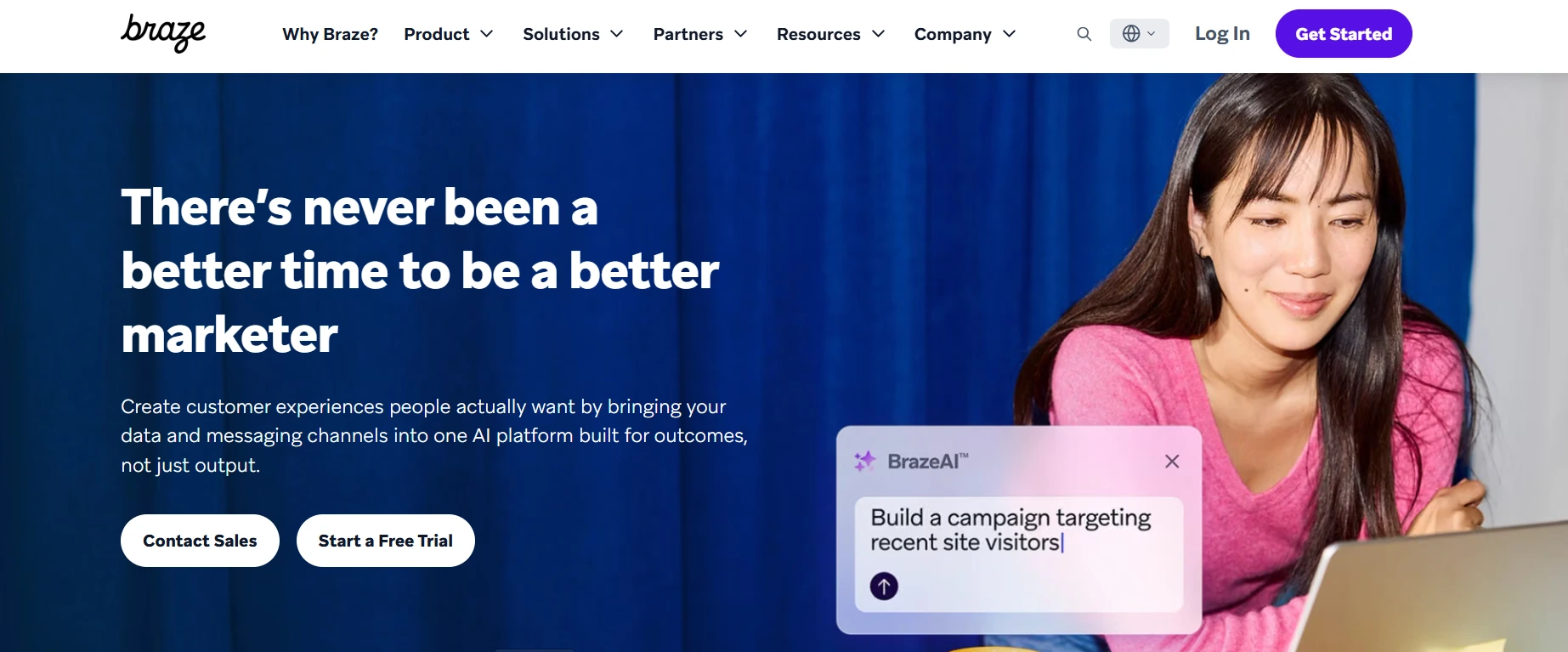
Braze is an enterprise customer engagement platform focused on orchestrating personalized interactions across digital channels.
Its current platform supports email, push notifications, SMS/MMS/RCS, WhatsApp, KakaoTalk, LINE, and other engagement channels. Braze also includes customer data, segmentation, experimentation, analytics, and AI capabilities.
Channel support:
- SMS
- MMS
- RCS
- Push notifications
- In-product messaging
- Other regional channels
Strengths:
- Cross-channel journey orchestration
- Customer data capabilities
- Experimentation
- Analytics
- AI-assisted engagement
- Enterprise governance
Considerations:
Braze is designed for organizations running sophisticated customer engagement programs. It may be more platform than a small CRM team needs if its primary requirement is direct customer messaging and follow-up.
Pricing:
Braze uses a usage-oriented pricing model involving active users and Action Credits. Public pricing is not presented as a simple per-user monthly package, so teams need a quote based on their expected usage and selected capabilities.
4. MoEngage
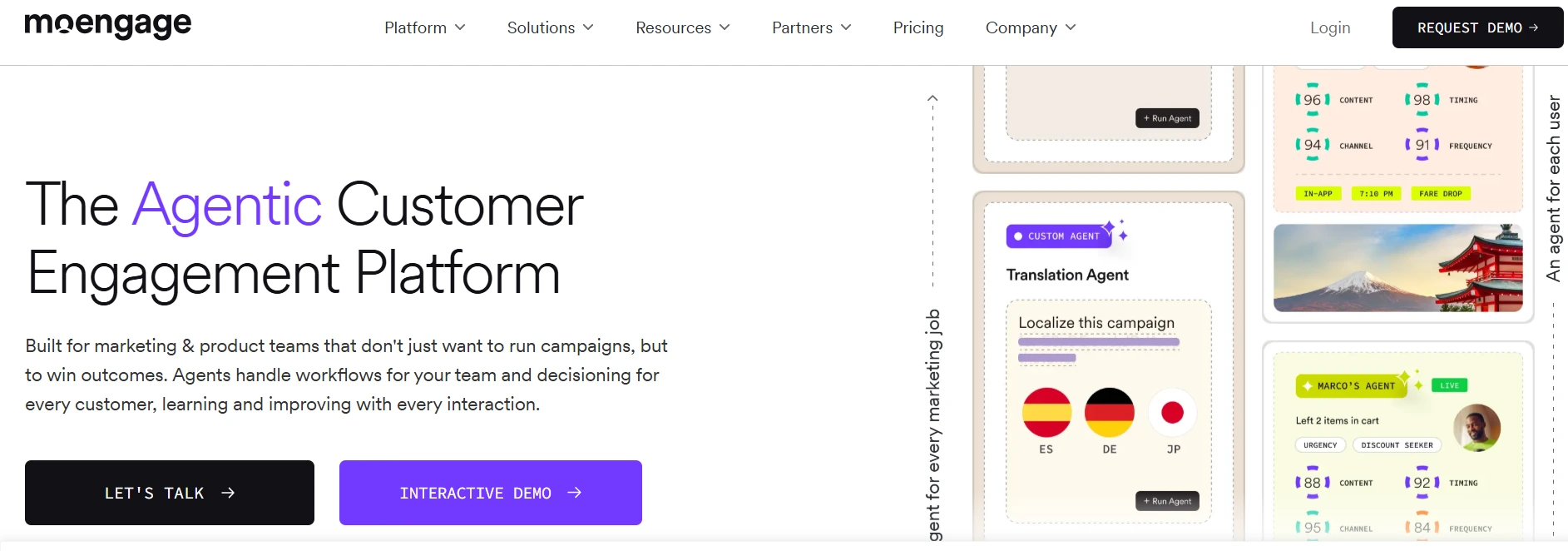
MoEngage is an omnichannel customer engagement platform aimed primarily at B2C teams managing customer journeys across multiple digital channels.
Its current offering includes SMS, email, mobile and web push, in-app messaging, WhatsApp, RCS, and other connected channels. It also provides customer analytics, journey orchestration, AI-driven predictions, and real-time data exports.
Channel support:
- SMS
- RCS
- Mobile push
- Web push
- In-app messaging
- On-site messaging
Strengths:
- Multi-channel customer journeys
- Customer behavior analysis
- Journey automation
- WhatsApp integration
- AI-driven predictions
- Campaign analytics
Considerations:
MoEngage is particularly relevant for teams managing customer lifecycle and marketing journeys at scale. A CRM team looking mainly for sales follow-ups, shared messaging, and calling may not need its broader engagement stack.
Pricing:
MoEngage's pricing is based around monthly tracked users and selected capabilities rather than a simple three-user team subscription. Its pricing page lists Growth and Enterprise options and supports channels such as SMS and WhatsApp.
5. Bloomreach Engagement
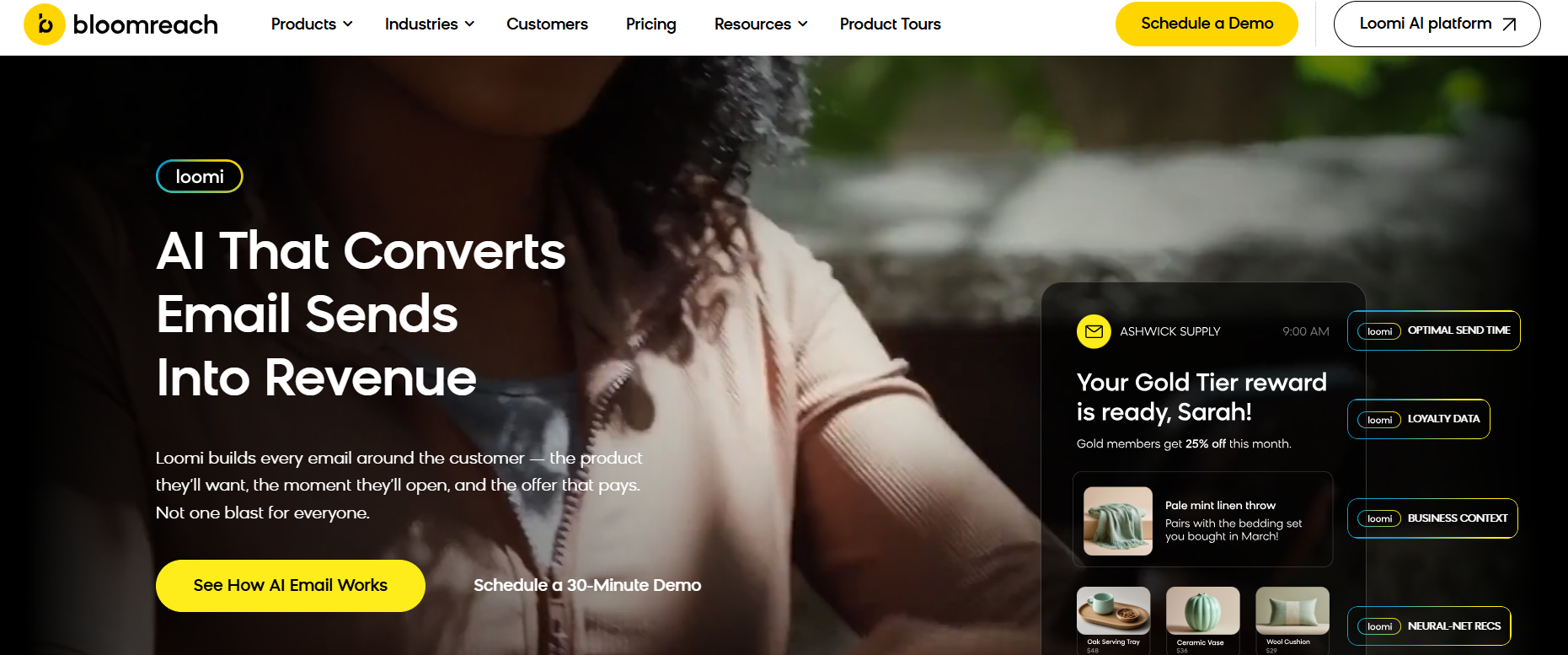
Bloomreach combines customer data, marketing automation, personalization, analytics, and messaging.
Its mobile messaging capabilities cover SMS, MMS, RCS, and WhatsApp. Teams can connect these channels to customer data and use behavior-based journeys, segmentation, recommendations, and AI-powered actions.
Channel support:
- SMS
- MMS
- RCS
- Push
- Web and app experiences
Strengths:
- Customer data unification
- Omnichannel journey orchestration
- SMS and WhatsApp automation
- AI-powered personalization
- Product recommendations
- Large integration ecosystem
Considerations:
Bloomreach is aimed at organizations that want customer data and marketing automation closely connected to engagement. It is not primarily a lightweight CRM messaging tool.
Pricing:
Bloomreach uses customized pricing based on factors such as customers served, product catalog size, data volume, and communication volume. Its pricing consists of a module fee and usage fee, rather than a standard three-user package.
Comparison Table: Customer Engagement Platforms
Pricing and channel availability can change, so verify the vendor's current pricing page before making a purchase decision.
Future Trends in Customer Engagement
The next phase of customer engagement is less about adding another communication channel and more about connecting the information behind each interaction.
AI-Powered Customer Conversations
AI is moving into practical CRM workflows.
Instead of only generating messages, AI can help teams:
- Summarize conversations
- Suggest replies
- Identify customer intent
- Recommend follow-ups
- Trigger workflows
- Decide when a customer needs human attention
The useful question will be whether AI reduces repetitive work without taking away control from the team.
More Unified Customer Journeys
Customers may start a conversation through SMS, continue it on WhatsApp, and later speak with a sales or support representative.
Teams will increasingly need communication history to follow the customer rather than staying tied to individual channels.
CRM + Messaging Convergence
CRM and messaging systems are likely to become more closely connected.
The CRM can provide the customer context. The messaging platform can handle the communication. Data should move between the two without requiring reps to copy and paste information.
More Automated Follow-Ups
More teams will use customer actions to trigger communication.
Examples include:
- A new lead triggers an introductory message
- An unanswered inquiry triggers a follow-up
- An appointment triggers a reminder
- A completed purchase triggers an update
- An inactive customer enters a re-engagement workflow
The focus should remain on useful timing rather than sending more messages.
Greater Focus on Consent and Data Privacy
As businesses communicate more frequently across messaging channels, consent and data handling become part of the platform decision.
Teams should check how a platform handles:
- Customer opt-ins
- Opt-outs
- Message permissions
- Communication records
- Data retention
- Access controls
- Regional compliance requirements
A messaging platform should make compliance part of the workflow rather than leaving every rep to manage it manually.
Conclusion
A customer messaging platform should solve a specific CRM problem: keeping customer conversations connected to the customer data your team already uses.
When comparing platforms, start with five questions:
- Does it support the channels our customers actually use?
- Does it integrate with our CRM?
- Can our team automate repetitive follow-ups?
- Can multiple people manage conversations without losing context?
- Does the pricing make sense for our actual message and call volume?
The best customer messaging platform is the one that matches the job you need it to do.
Teams running large, data-heavy customer journeys may need platforms such as Netcore, Braze, MoEngage, or Bloomreach. Teams that primarily need SMS, WhatsApp, voice, CRM workflows, and team messaging may prefer a more focused platform such as HelloSend.
You do not always need another CRM to manage customer conversations. You need communication to work with the CRM you already have.
Frequently Asked Questions
What is a customer messaging platform?
A customer messaging platform lets businesses send, receive, automate, and track customer conversations across channels such as SMS, WhatsApp, and voice. It can connect these interactions with a CRM so teams can manage communication without switching between separate tools.
Which customer messaging platform is best for CRM teams?
The best customer messaging platform depends on the CRM, channels, team size, and workflow requirements. CRM teams should prioritize strong CRM integration, two-way messaging, automation, shared conversation history, team collaboration, and pricing that matches their message volume. HelloSend is the right pick.
How do I choose customer messaging software for my CRM?
Start with the communication channels your customers use, then check CRM integration, automation, team features, reporting, pricing, and compliance controls. Test whether messages, replies, and customer activity can move between the messaging platform and CRM without manual data entry.
Is an all-in-one customer messaging platform better than separate tools?
An all-in-one platform is usually easier to manage when your team needs several communication channels and shared customer history. Separate tools can make sense when you need specialized features that one platform cannot provide or when your existing systems already work well together.
Which customer messaging platform works best for startups?
Startups generally benefit from a platform that supports their core channels without requiring a large technology stack. Look for simple pricing, essential CRM integrations, shared messaging, automation, and room to add users or communication volume as the team grows.
.webp)


.webp)
