


Summarize this blog post with:
Quick Summary
Your sales team is already living in Pipedrive, so why should texting happen anywhere else? This practical guide to Pipedrive texting integration shows you exactly how to set up Pipedrive SMS integration, from connecting a Pipedrive Twilio integration to sending your first bulk campaign. You'll also see why HelloSend is the fastest way to add Pipedrive text messaging without leaving your CRM.
Looking to simplify your communication and close more sales faster? Pipedrive texting integration is an excellent solution for businesses aiming to boost their sales process.
Pipedrive is a trusted CRM tool used by countless businesses worldwide. It helps you to manage sales processes, track leads, and close deals efficiently. By incorporating SMS directly into Pipedrive, businesses can ease communication, improve customer engagement, and simplify follow-ups without juggling multiple platforms.
Recent research shows that SMS, with its unmatched 98% open rates, is the fastest and most effective way to connect with leads and customers.
In this guide, we’ll walk you through setting up Pipedrive texting integration, including how a Pipedrive Twilio integration works, its key benefits, and how it can change the way your business connects with customers.
Here’s what this blog covers:
- What is Pipedrive SMS Integration?
- Its Benefits
- Key Features
- Best Tools for Pipedrive text messaging
Let’s explore it!
Can Pipedrive send SMS?
Absolutely, Pipedrive lets you send SMS messages by integrating it with an SMS platform. This Pipedrive text integration lets you send personalized texts directly from your CRM, without leaving the pipeline view.
In other words, it is a feature that lets businesses instantly send and manage text messages within the Pipedrive CRM. Instead of switching between platforms, this Pipedrive CRM SMS integration combines SMS functionality with Pipedrive's existing customer management tools.
With this integration, businesses can run personalized Pipedrive text messaging campaigns, set up automated SMS sequences, and track every text conversation in one place. It facilitates follow-ups, reminders, and updates, ensuring no message or opportunity gets missed.
Benefits Of Pipedrive Texting for Businesses
Integrating SMS with Pipedrive CRM gives businesses various advantages, boosting communication and improving efficiency.
Here’s a closer look at how Pipedrive Texting can improve your business interactions:
1. Enhances Customer Engagement
SMS is a direct and personal communication medium that captures attention faster than emails. Pipedrive texting option lets you engage customers in real time, enabling stronger relationships and higher satisfaction rates.
2. Easy Sales Communication
Sales teams often juggle numerous conversations simultaneously. Pipedrive SMS integration eases this process by centralizing all communication in one platform and reducing the chances of missed opportunities or any delayed responses.
3. Improves Response Rates
Text messages have an open rate of over 98%, making them one of the most effective ways to communicate with customers. Businesses can use Pipedrive sales texting to guarantee faster responses and better customer interaction.
4. Simplifies Workflow Automation
Pipedrive marketing automation is key to rising operations, and a CRM-based messaging platform will allow your businesses to schedule automated messages for follow-ups and reminders, saving time and resources.
5. Centralizes Message Management
Pipedrive stores all text communications within the CRM, forming a single storage for customer interactions. This centralization improves organization and ensures your team can access the entire communication history.
So, these are the Pipedrive benefits and using Pipedrive texting, businesses can make their sales and marketing efforts more efficient and productive.
Key Features Of Pipedrive SMS Integration
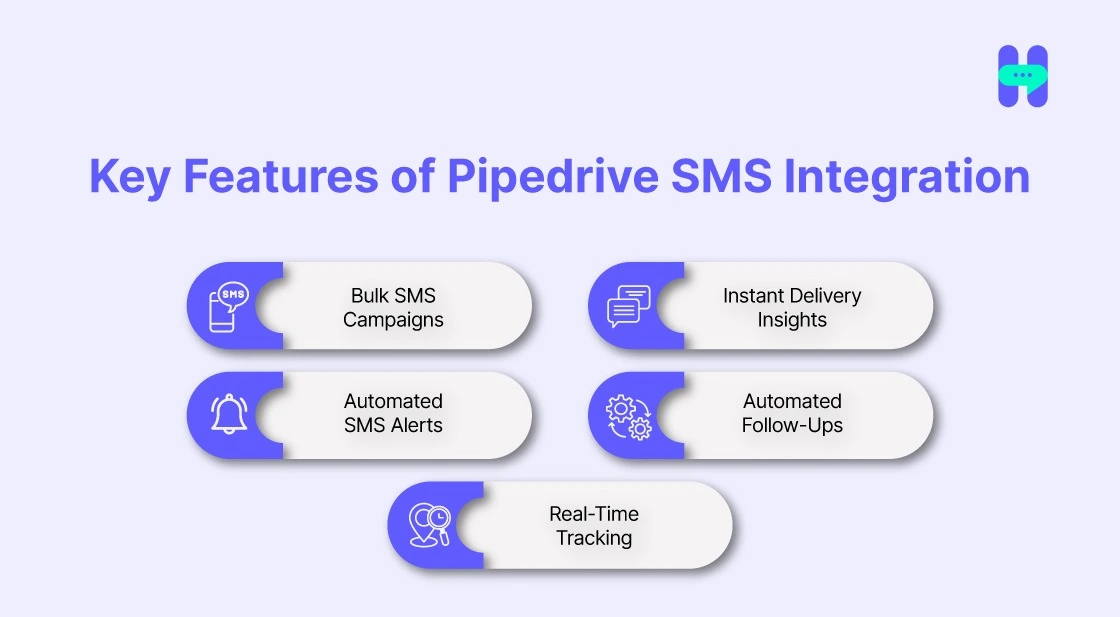
SMS Pipedrive integration offers a suite of features developed to ease business communication. These functionalities cater to the individual needs of modern businesses, providing efficiency in managing customer interactions.
1. Bulk SMS Campaigns
Send personalized messages to extensive audiences in a single go. Bulk SMS campaigns let businesses scale their outreach without sacrificing personalization, making it easier to promote offers or updates to a broad customer base.
2. Automated SMS Alerts
Set up SMS automation alerts to communicate with customers promptly. These alerts can include payment reminders, appointment confirmations, or status updates, ensuring no urgent message is overlooked.
3. Real-Time Tracking
Pipedrive SMS integration delivers real-time tracking of message delivery and customer replies. This allows businesses to monitor the effectiveness of their campaigns and modify their strategies as needed.
4. Automated Follow-Ups
Follow-ups are essential in closing deals. Automated follow-up messages guarantee no lead is left unattended, enhancing conversion rates and customer satisfaction.
5. Instant Delivery Insights
With delivery reports, you can gain quick insights into the status of your messages. Businesses can track whether messages are delivered, read, or responded to, allowing them to refine their communication strategies.
HelloSend: The Must-Have Pipedrive Texting Integration Solution
If you are a Pipedrive user looking to supercharge your SMS Marketing efforts, HelloSend is the perfect all-in-one solution. Designed to integrate seamlessly with Pipedrive.
While Pipedrive offers text messaging as part of its platform, HelloSend takes it to the next level by providing powerful features designed to enhance the texting experience within Pipedrive.
Additionally, this tool also provides solutions for WhatsApp Marketing and Voice Calls directly from CRM.
Key Features Of HelloSend
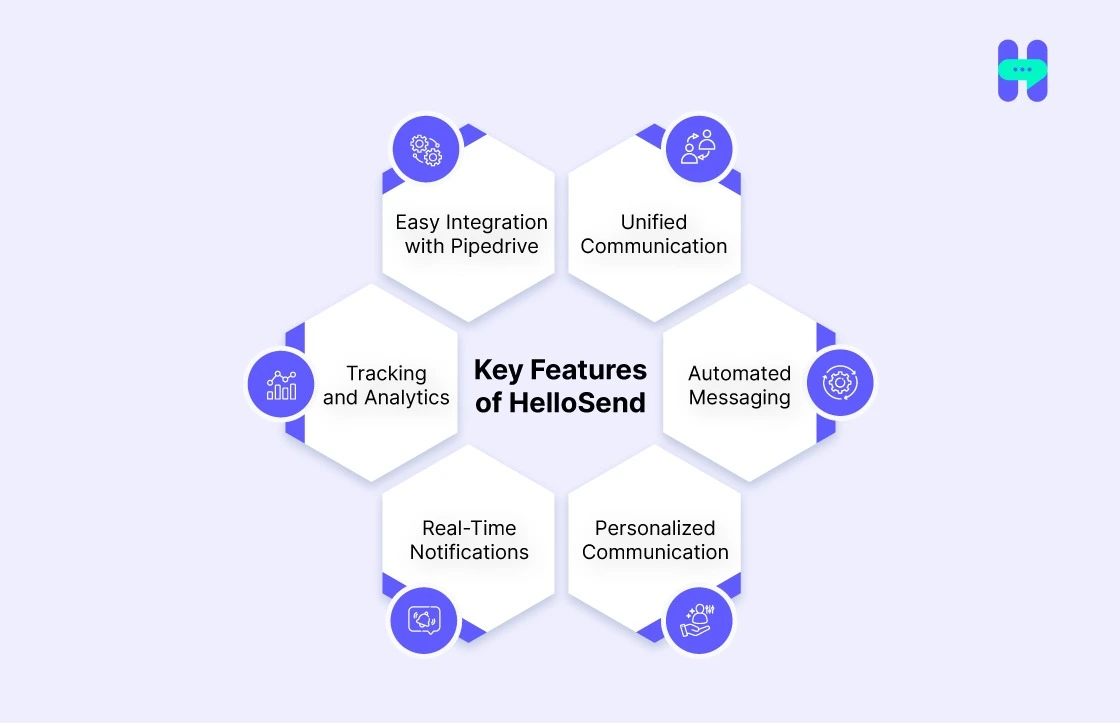
HelloSend’s Pipedrive integration provides you following features:-
- Unified Communication: All SMS and WhatsApp messages are integrated directly within Pipedrive, providing a centralized platform where sales teams can manage both internal and external communications seamlessly.
- Automated Messaging: Sales teams can automate follow-ups, reminders, and messages at various stages of the sales pipeline. This allows for quick responses and ensures no lead goes unnoticed.
- Personalized Communication: HelloSend allows you to send personalized messages to leads and customers at scale. By pulling customer data from Pipedrive, teams can customize messages with dynamic fields such as name, company, and deal status.
- Real-Time Notifications: Sales reps are instantly notified whenever a new message is received or a lead responds to their SMS or WhatsApp message, ensuring no time is wasted in engaging with prospects.
- Tracking and Analytics: HelloSend provides detailed reports and analytics, tracking metrics like delivery rates, open rates, and response times. This data helps sales teams optimize their messaging strategies.
- Easy Integration with Pipedrive: The integration is straightforward and user-friendly, enabling sales teams to start sending SMS and WhatsApp messages directly from within the Pipedrive interface without the need for additional tools or software.
HelloSend makes texting within Pipedrive easy, efficient, and scalable, ensuring your team can reach prospects quickly and effectively.
Other Integrations
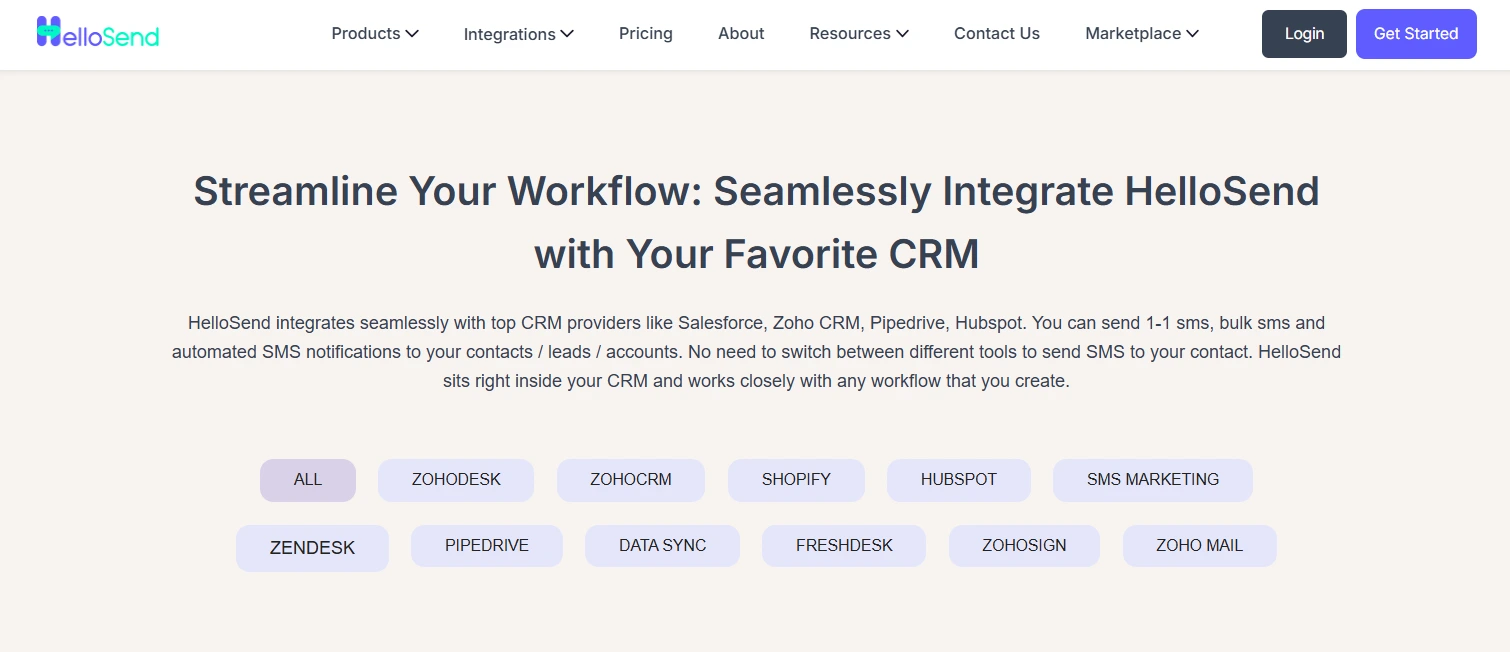
HelloSend integrates with various other tools, including CRM and marketing platforms. Check out all the integrations here: Hellosend Integrations.

How to Set Up Pipedrive SMS Integration Using HelloSend
Integrating SMS with Pipedrive using HelloSend, the best CRM Messaging platform, is an easy process that boosts your CRM’s communication capabilities. Also, you can take a Pipedrive trial by exploring HelloSend.
Follow these steps to set up the integration effectively with HelloSend:
Step 1:-
- Install HelloSend's marketplace app from the following link.
- Click on this link.
Step 2:-
- The next step is to configure the SMS.
- For this, what you need:-
A Twilio number with SMS capabilities or a RingCentral number with SMS capabilities. Also, you can use the Pipedrive phone number, which is stored in the Pipedrive CRM system.
For Twilio:-
- Log in to your Twilio account.
- Copy the Account SID and Auth Token.
- Paste them into the app to authenticate and click Authorize.
For RingCentral SMS:-
- Click Authorize to connect your RingCentral account.
A Facebook business account with a WhatsApp number is configured if you are looking for WhatsApp.
For WhatsApp:-
Follow this link to connect to your WhatsApp number.
Step 3:-
- Send SMS / WhatsApp from Pipedrive.
- Navigate to the Pipedrive page and open Contacts from the sidebar. You can also use the pipedrive justcall integration for quick calling.
- The HelloSend DM panel will automatically populate the "From" and "To" fields in the contact's detail view.
- Compose an SMS / WhatsApp manually or select a pre-designed template to personalize and send.
- All SMS / WhatsApp sent or received for contact are logged in the Notes/Activities section for easy tracking.
- Click the menu icon in the top-right corner of the HelloSend DM panel to go to the HelloSend page.
So, by following these 3 easy steps, you can Set Up Pipedrive SMS Integration using the HelloSend platform.
Conclusion
Integrating SMS with Pipedrive using HelloSend sets how businesses communicate with their customers. From automated follow-ups to real-time tracking, this integration empowers companies to improve engagement, manage workflows, and response rates.
If you want to simplify your communication strategy, Pipedrive Texting is the way forward. Platforms like HelloSend guarantee advanced features that take your text messaging to the next level.
So, what are you waiting for? Try it now!

FAQ Section
1) What is Pipedrive CRM?
Pipedrive CRM is a customer relationship management tool designed to help businesses manage leads, track sales, and optimize workflows. It offers features like sales pipeline management, activity tracking, and detailed reporting to improve sales performance.
2) How do I use Pipedrive effectively?
To use Pipedrive effectively, start by customizing your sales pipeline to match your business needs. You can track your interactions with leads, set follow-up reminders, and integrate with tools such as email, calendars, and SMS platforms to streamline your sales process.
3) What is Pipedrive SMS marketing?
Pipedrive SMS marketing allows businesses to integrate SMS campaigns directly into their CRM system. By sending targeted text messages to leads or customers, businesses can increase engagement, drive conversions, and maintain better communication.
4) Can Pipedrive SMS messaging help my business?
Yes, Pipedrive SMS messaging helps businesses stay in touch with leads and customers through personalized text messages. It simplifies follow-ups, appointment reminders, and promotional offers, improving customer relations and increasing sales opportunities.
5) How does Pipedrive text messaging work for sales teams?
Pipedrive text messaging is a powerful tool for sales teams to engage directly with prospects and clients. It integrates SMS into the sales pipeline, allowing for automated or manual text communication, enhancing follow-up efficiency and response rates.
6) How do I choose the best Pipedrive SMS integration?
Look for a platform that connects to your existing Twilio or RingCentral number and logs every message inside your Pipedrive contact records. Check whether the Pipedrive texting option includes automation, WhatsApp support, and analytics, then compare pricing against your message volume before you commit.
7) Is Pipedrive SMS integration suitable for small businesses?
Yes. Small teams get the same Pipedrive benefits as larger sales teams, including automated follow-ups, centralized messaging, and faster response rates, without adding headcount. Omnichannel communication platforms like HelloSend scale with your contact list, so you only pay for what you use.
8) Can I send bulk SMS campaigns from Pipedrive?
Yes. A Pipedrive SMS integration like HelloSend lets you send bulk SMS campaigns directly from your CRM. It works alongside Pipedrive sales texting and one-click calling through the Pipedrive JustCall integration, so your team can message and call leads without leaving Pipedrive.


.webp)


.webp)
