

.webp)
Summarize this blog post with:
Quick Summary
Transform your customer chats with 10+ WhatsApp templates for immediate impact. Perfect for lead gen, support, or re-engagement copy and send in minutes. Make your work easier!
Every customer expects fast, clear, and consistent communication, and businesses that deliver it stand out. With over 3 billion active users, WhatsApp has become the go-to platform for brands to connect with their audience in real time. But manually handling every customer interaction isn't scalable.
That's where WhatsApp Message Templates come in. From order confirmations and appointment reminders to promotional offers and support follow-ups, these pre-approved messages help businesses automate conversations without losing the personal touch.
Unlike generic broadcasts, well-crafted templates can be customized with customer names, dates, and relevant details, making every message feel intentional rather than robotic.
In this blog, we'll walk you through 10+ proven templates that can transform how your business communicates, boost response rates, and keep your customers engaged at every stage of their journey.
Why Businesses Need WhatsApp Message Templates
1) Increased Efficiency: Gone are the days of typing out every message from scratch. WhatsApp message templates for customer engagement allow businesses to create standardized messages that can be reused and sent instantly.
2) Improved Customer Experience: The key to keeping your customers happy is consistent, fast, and reliable communication. Templates help you maintain consistency, ensuring every customer interaction is timely and personalized. It will improve customer relation.
3) Better Automation: Automation is one of the most significant advantages of using WhatsApp message templates. By automating your WhatsApp messaging, you can instantly reach customers with order updates, appointment reminders, or promotions.
Top 5 Types of WhatsApp Message Templates
When it comes to WhatsApp marketing, specific message templates stand out for their ability to drive engagement and customer satisfaction.
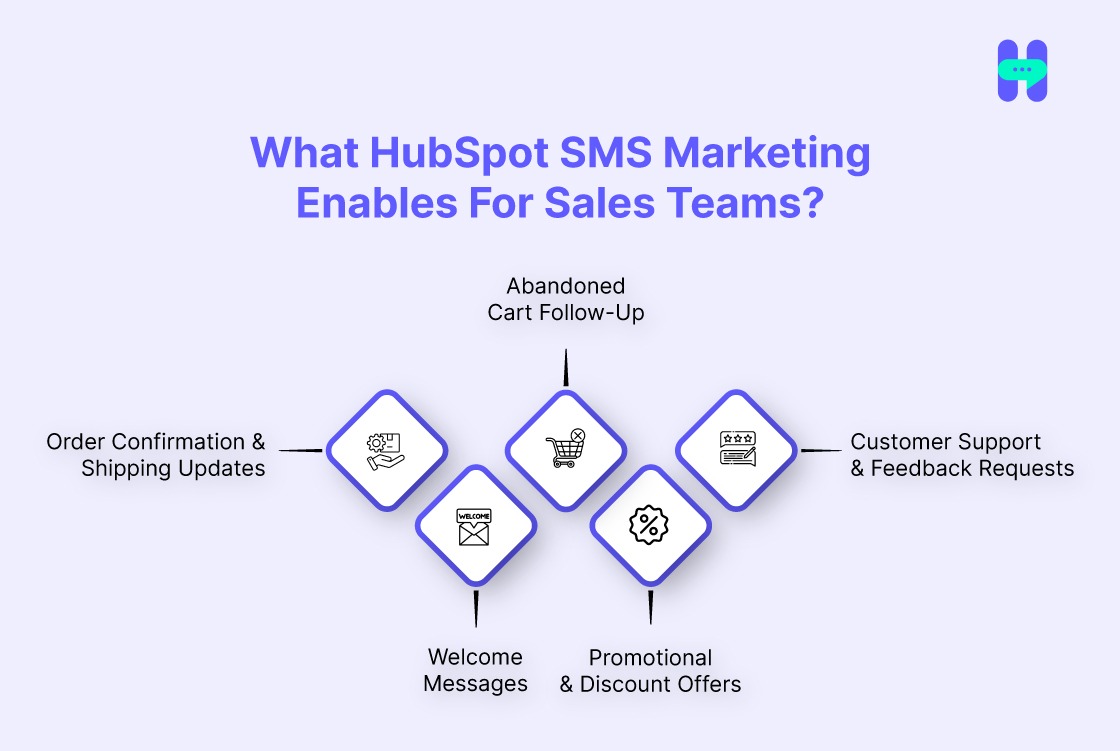
Here are the top 5 types of WhatsApp message templates that every business should leverage:
1. Order Confirmation & Shipping Updates
Order confirmation and shipping update templates are essential for businesses that sell physical products. These templates provide customers with real-time information about their purchases, confirming their order details, shipping status, and tracking information.
Keeping customers informed helps build trust and reduces uncertainty, leading to better overall satisfaction.
2. Welcome Messages
Welcome message templates are a great way to engage new customers or users right from the start.
These templates can be sent immediately after a customer signs up or makes their first purchase to introduce them to your brand, offer assistance, and make them feel valued. A strong welcome message sets the tone for a positive customer relationship.
3. Abandoned Cart Follow-Up
Abandoned cart templates are crucial for recovering lost sales. These templates remind customers about the items left in their cart, encouraging them to complete their purchase.
With the right tone and call-to-action, an abandoned cart follow-up can significantly reduce cart abandonment rates and increase conversions.
4. Promotional & Discount Offers
Promotional message templates are perfect for sending time-sensitive offers, discounts, or flash sales to your customers. This is one of the best customer engagement strategies.
These templates create a sense of urgency and encourage customers to take immediate action, whether it’s purchasing a product, signing up for a service, or using a limited-time discount code.
5. Customer Support & Feedback Requests
Customer support templates help businesses respond quickly to customer inquiries or issues, ensuring that customers feel heard and supported.
Feedback request templates, on the other hand, ask customers to share their experience, providing valuable insights for business improvement and strengthening customer relationships.
10+ Proven WhatsApp Message Templates to Enhance Customer Interaction
Here are 10+ essential WhatsApp message templates to boost customer interaction:
1. Welcome Messages
Introduce new customers to your brand with a warm welcome message. This sets the tone for a positive customer experience.
Example:
2. Order Confirmation & Shipping Updates
Confirming an order and providing timely shipping updates is a great way to keep customers in the loop and reduce uncertainty.
Example:
3. Abandoned Cart Follow-Up
Don’t let potential sales slip through the cracks. Send a gentle reminder about items left in the cart.
Example:
4. Customer Support & Feedback Requests
Following up after a service interaction helps you maintain customer satisfaction while gaining valuable feedback.
Example:
5. Appointment Reminders & Confirmation
Ensure your customers don’t miss their appointments or consultations.
Example:
6. Promotional & Discount Offers
Use WhatsApp to deliver timely promotions and offers directly to your customers.
Example:
7. Post-Purchase Upselling
Encourage additional purchases by suggesting related products after a customer completes a transaction.
Example:
8. Re-engagement Messages
Win back dormant customers with personalized offers tailored to their previous interactions.
Example:
9. Event Invitations or Updates
Invite customers to upcoming events or keep them updated on important news.
Example:
10. Customer Milestone Messages
Celebrate customer milestones such as anniversaries, birthdays, and loyalty milestones to show appreciation.
Example:
11. Survey/Feedback Request
Celebrate customer feedback and improve your services by asking customers to share their experience.
Example:
12. Payment Reminder
Gently remind customers about outstanding payments to keep transactions running smoothly.
Example:
13. Product Launch Announcement
Excite customers about new products or services with a launch announcement.
Example:
14. Subscription Renewal Notice
Keep customers informed about upcoming subscription renewals to ensure continuity.
Example:
15. VIP Customer Message
Show appreciation to your loyal customers with exclusive offers and deals.
Example:
How to Create & Submit WhatsApp Message Templates?
Creating and submitting WhatsApp message templates may seem complex, but it's a straightforward process with the right approach. You can also use WhatsApp Automation to make your work easier.
Here’s how businesses can make their templates and submit them for approval via the WhatsApp Business API:
- Create a Template: First, decide on the type of message you want to send (e.g., order updates, promotions). Craft the message with placeholders for personalization (e.g., [Customer Name], [Order ID]).
- Submit for Approval: Submit your template for WhatsApp’s approval through the WhatsApp Business API. Be sure to follow WhatsApp’s template guidelines, which include staying within character limits and using dynamic fields properly.
- Approval Process: WhatsApp will review the template. Avoid mistakes like using unapproved terms or spam-like content, as this can delay the approval process.
- Ready to Use: Once approved, the template is available for use across your customer communication channels.
By following this process, you can easily create WhatsApp marketing messages that engage your customers while adhering to WhatsApp’s strict guidelines.
How HelloSend Can Simplify WhatsApp Message Automation?

HelloSend stands out as one of the best WhatsApp marketing and automation tools on the market, designed to simplify communication and improve customer engagement.
It offers a seamless, user-friendly interface that integrates seamlessly with WhatsApp, enabling businesses to automate, personalize, and scale their messaging.
Why Choose HelloSend?
HelloSend is designed to make WhatsApp marketing automation simple, even for non-technical teams. The platform allows you to automate everything from order confirmations to promotional offers with just a few clicks. With seamless CRM integrations,
HelloSend ensures that customer data flows effortlessly into your WhatsApp campaigns, allowing for hyper-personalized communication. This level of automation not only saves time but also improves the customer experience, making it easier for businesses to engage with their audience at scale.
Powerful Features Of HelloSend
HelloSend Also Provides These Additional Features:-
- SMS and MMS Marketing: HelloSend provides powerful SMS and MMS marketing capabilities, enabling businesses to engage with customers through text messages and multimedia content.
- Voice Calling: HelloSend’s voice calling feature provides an easy and efficient way to make and receive calls directly from your CRM.
Integration
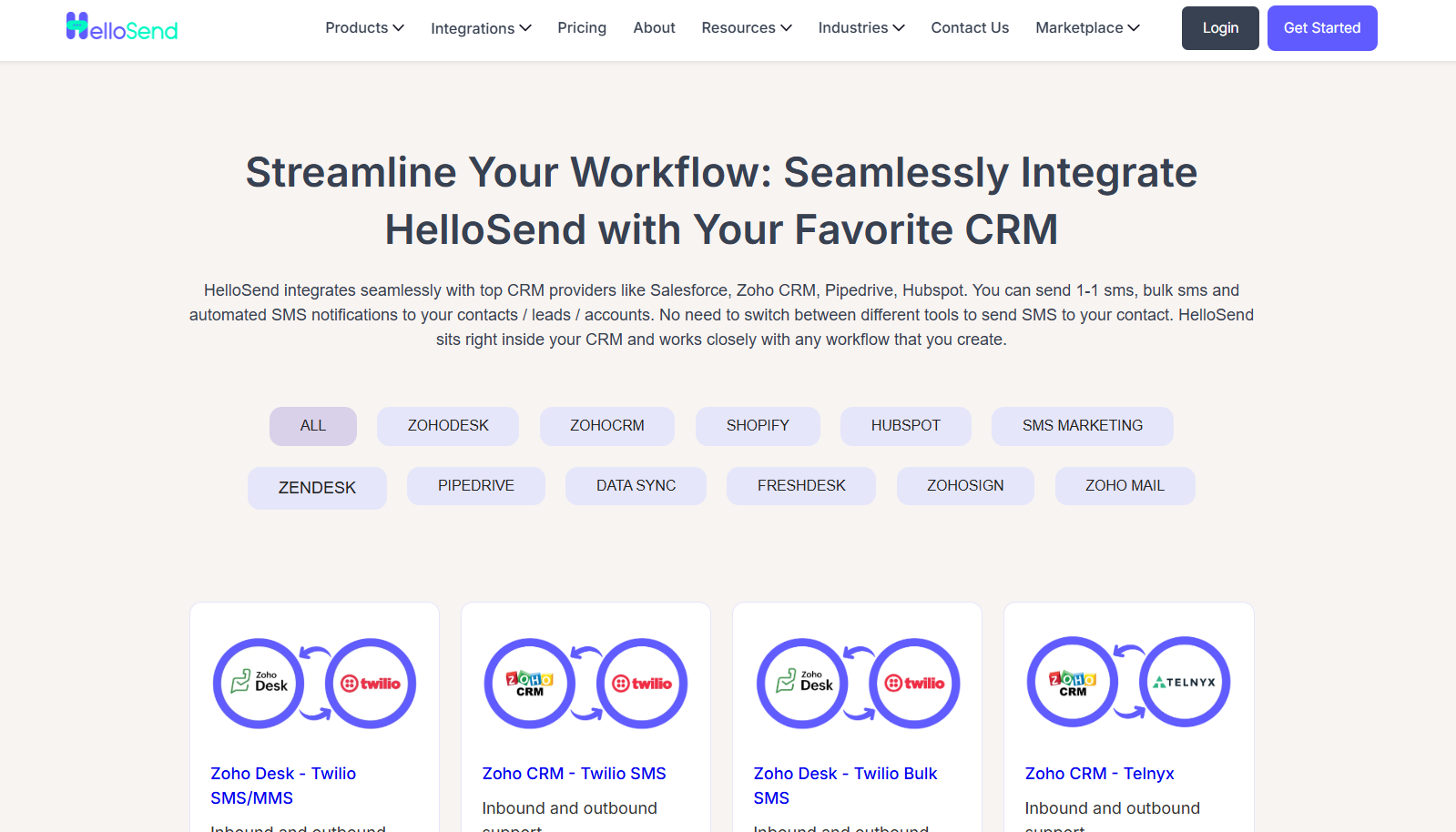
HelloSend integrates seamlessly with several popular platforms, ensuring smooth communication workflows.
To know more about this, visit: HelloSend Integrations.
Pricing
HelloSend offers flexible pricing that suits businesses of all sizes. Whether you're a small startup or an established enterprise, HelloSend offers plans tailored to your needs.
For detailed pricing information, check out the HelloSend Pricing Page.
Best Practices for Using WhatsApp Message Templates
- Personalization: Constantly personalize your messages using dynamic fields like [Customer Name], [Order ID], and past purchase details to create a tailored experience.
- Timing: Send messages at the right time to ensure maximum engagement. For instance, follow up within 24 hours of a purchase or offer promotions during peak shopping times.
- Compliance: Adhere to WhatsApp’s rules and regulations, especially around opt-in consent. Always ensure that customers have opted in to receive messages from your business.
- A/B Testing: Regularly test different message variants to improve customer response rates and ensure that your messaging resonates with your audience.
Final Vector!
WhatsApp message templates are a powerful tool that every business should leverage to improve customer interaction, streamline communication, and boost conversions.
By automating your WhatsApp messaging, you save time and improve the overall customer experience. HelloSend is the perfect solution for businesses looking to automate their WhatsApp marketing and gain insights into message performance.
FAQs
1. How can businesses use WhatsApp templates to improve engagement and conversion rates in customer interactions?
Businesses can use WhatsApp message templates to automate personalized interactions, like order confirmations, reminders, and promotions, ensuring timely communication that keeps customers engaged. With a high open rate, WhatsApp messages are far more likely to be seen and acted upon than emails or SMS. Pairing templates with CRM data further boosts conversions by delivering the right message to the right customer at the right time.
2. How Do WhatsApp Marketing Messages Differ from Other Messaging Channels?
WhatsApp marketing messages are more personal and direct than traditional email or social media marketing. They allow businesses to engage with customers in real-time, with a high open and response rate, due to the popularity of WhatsApp as a messaging platform.
3. What Are Omnichannel Strategies and How Do They Relate to WhatsApp Marketing?
Omnichannel strategies involve integrating multiple communication channels, such as email, social media, and WhatsApp, to create a seamless experience for customers.
4. Can I Use WhatsApp Promotional Messages to Reach My Customers Effectively?
Yes, WhatsApp promotional messages are highly effective when used correctly. With the right approach, such as offering exclusive deals or time-sensitive discounts, businesses can encourage customers to take action and increase conversions.
5. How Do I Get Started with WhatsApp Marketing Messages?
To start using WhatsApp marketing messages, you’ll need a platform like HelloSend to help create, manage, and automate your messages.