

Summarize this blog post with:
Quick Summary
Boost sales and customer engagement with SMS marketing automation. Discover how campaigns can grow your business. Book your free demo today!
Email open rates are dipping below 20%, while SMS boasts a staggering 98% open rate. So why are most CRM workflows still ignoring the one channel prospects read?
If you're managing leads in Zoho or Pipedrive, you know the challenge: emails go unread, calls go unanswered, and deals stall in the middle of the funnel. The solution? SMS marketing automation is a powerful tool that delivers timely, personalized messages directly to your prospects' phones.
In this blog, we'll explore how SMS marketing automation can reignite your sales pipeline, the key features to look for in a platform, and how tools like HelloSend can seamlessly integrate SMS and calling into your CRM workflow.
What SMS Marketing Automation Does Right
SMS marketing automation is transforming how businesses engage with leads. It offers an efficient way to reach customers with personalized, timely messages, all triggered by specific actions or milestones in the CRM.
This kind of automation integrates directly into platforms like Zoho and Pipedrive, allowing you to send SMS messages without leaving your CRM. Whether you're confirming appointments, nurturing leads, or reminding prospects about demos, SMS is an essential tool in the modern sales and marketing arsenal.
Here’s a closer look at what makes SMS marketing automation so effective:
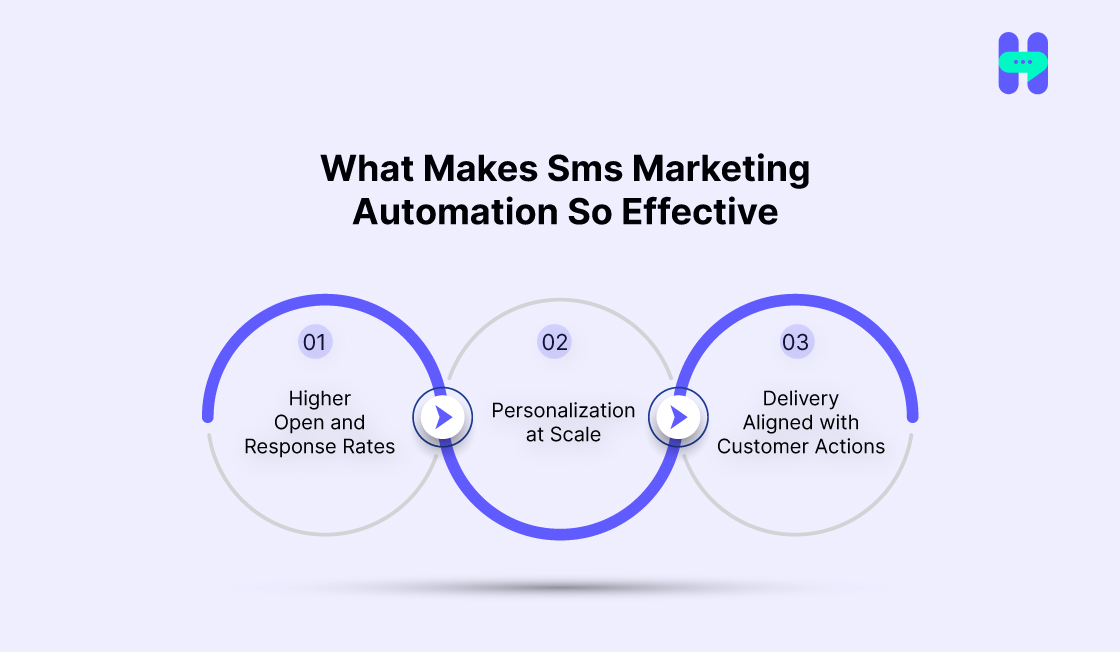
1) Higher Open and Response Rates
SMS boasts open rates of up to 98%, far surpassing email, which often struggles to get above 20%. Customers are more likely to read and respond to text messages, making it the ideal channel for quick, impactful communication.
- Nearly all recipients open their messages.
- Responses are quicker, making it easier to engage with leads in real time.
2) Personalization at Scale
With SMS marketing automation for e-commerce stores, you can easily personalize messages based on CRM data. It creates a sense of one-on-one communication while reaching a large audience. Personalization is one of the best SMS marketing automation strategies.
For example, you can insert the recipient’s name, company, or even product preferences into messages.
- Use dynamic fields to personalize each message.
- Create targeted sms drip campaigns that resonate with different audience segments.
3) Delivery Aligned with Customer Actions
Personalized SMS automation for customer retention lets you send messages instantly, triggered by a lead’s specific actions. If a prospect books a demo or completes a purchase, you can send a reminder or confirmation right away.
This kind of real-time communication helps maintain momentum and keeps leads engaged.
- Trigger messages based on user behavior (form submission, stage change, etc.).
- Stay in sync with your prospects’ actions, reducing friction in the sales process.
Real-World SMS Automation Flows That Work
Demo Confirmation > SMS Reminder > Resource Delivery > Follow-up
An everyday use case for SMS automation is sending a confirmation message after a lead books a demo. Once the meeting is confirmed, you can follow up with additional resources and reminders, ensuring the lead stays engaged throughout the process.
- After booking, send a confirmation SMS with the demo details.
- Follow up with relevant materials (e.g., brochures, case studies).
- Send a final reminder before the demo.
Lead Stage Change > Automated Follow-up via SMS
Another powerful feature of SMS automation is triggering follow-up messages based on the lead’s journey. When a lead moves to a new stage in your CRM, an SMS can automatically go out, prompting the next step in the process.
- When a lead moves to the next stage (e.g., from "Interested" to "Negotiating"), send a tailored SMS.
- Include specific next steps, such as a meeting request or offer details, to keep the lead engaged.
What to Look for in a Platform: SMS Marketing Automation Checklist
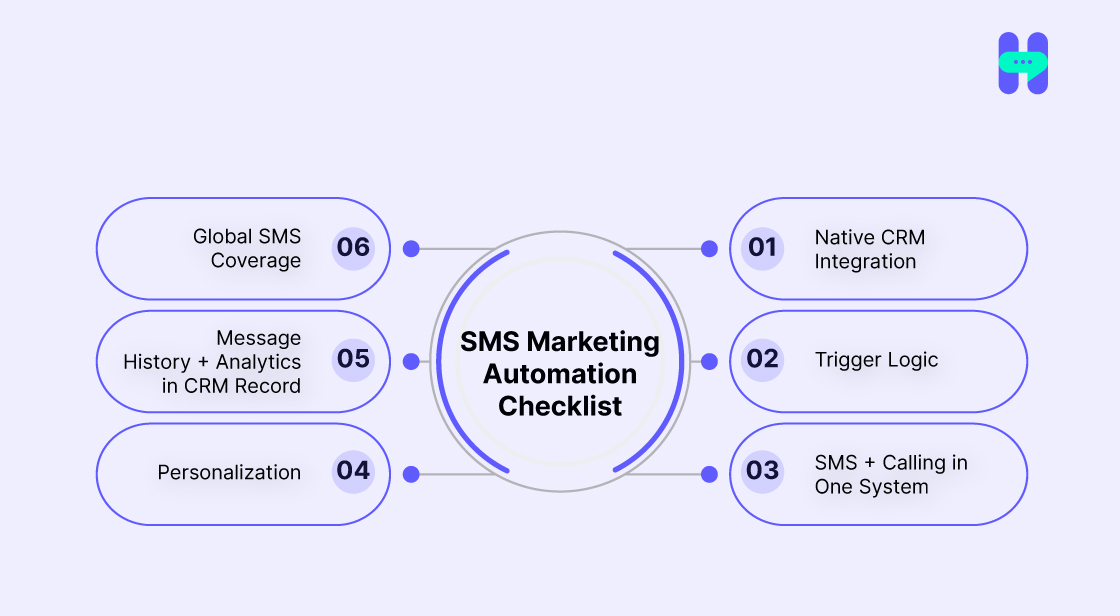
When selecting a platform for SMS marketing automation, it's essential to ensure that it fits seamlessly into your existing CRM workflows. Here's a checklist to help you identify the right solution:
1) Native CRM Integration
Your SMS scheduler software should integrate directly with your CRM. It ensures that you can manage contacts, send SMS, and track conversations all in one place without the need for third-party tools.
- Smooth synchronization between your CRM and SMS.
- No need to switch between multiple platforms.
2) Trigger Logic
Automated SMS should be sent based on specific actions in your CRM. Whether it's a lead moving to a new stage, filling out a form, or missing a call, your platform should be able to trigger timely SMS responses.
- Sends messages at the right moment based on user behavior.
- Helps nurture leads with minimal effort.
3) SMS + Calling in One System
An ideal platform combines both SMS and calling features in one system. This integration streamlines your communication, making it easier to engage with leads and customers, whether by text or call.
- Unified communication in a single dashboard.
- Saves time and improves customer interactions.
4) Personalization, Time-Zone Aware Scheduling
Personalizing SMS messages ensures a higher engagement rate, while compliance with opt-in regulations and respecting time zones maintains professionalism and reduces the risk of spam complaints.
- Personalize messages with CRM data (name, product interest).
- Automatically schedule messages based on the recipient’s time zone.
5) Message History + Analytics in CRM Record
Keep track of every message sent, including replies and outcomes. It ensures that all customer interactions are documented and provides valuable insights for improving your messaging strategy.
- Centralized message history within your CRM.
- Analytics to track engagement and conversions.
6) Global SMS Coverage
Choose a platform that supports international SMS text if you have a global presence. It enables you to connect with leads and customers, regardless of their location.
- Supports SMS delivery across multiple countries.
- No restrictions for global communication.
Why HelloSend Is Built for CRM-Centric SMS Marketing Automation
If you're using CRMs like Zoho or Pipedrive, and many more the last thing you want is another disconnected tool. That’s where HelloSend stands out.
Unlike generic SMS platforms, HelloSend was designed from the ground up for CRM-native communication, combining SMS, calling, and contact management into a unified experience.
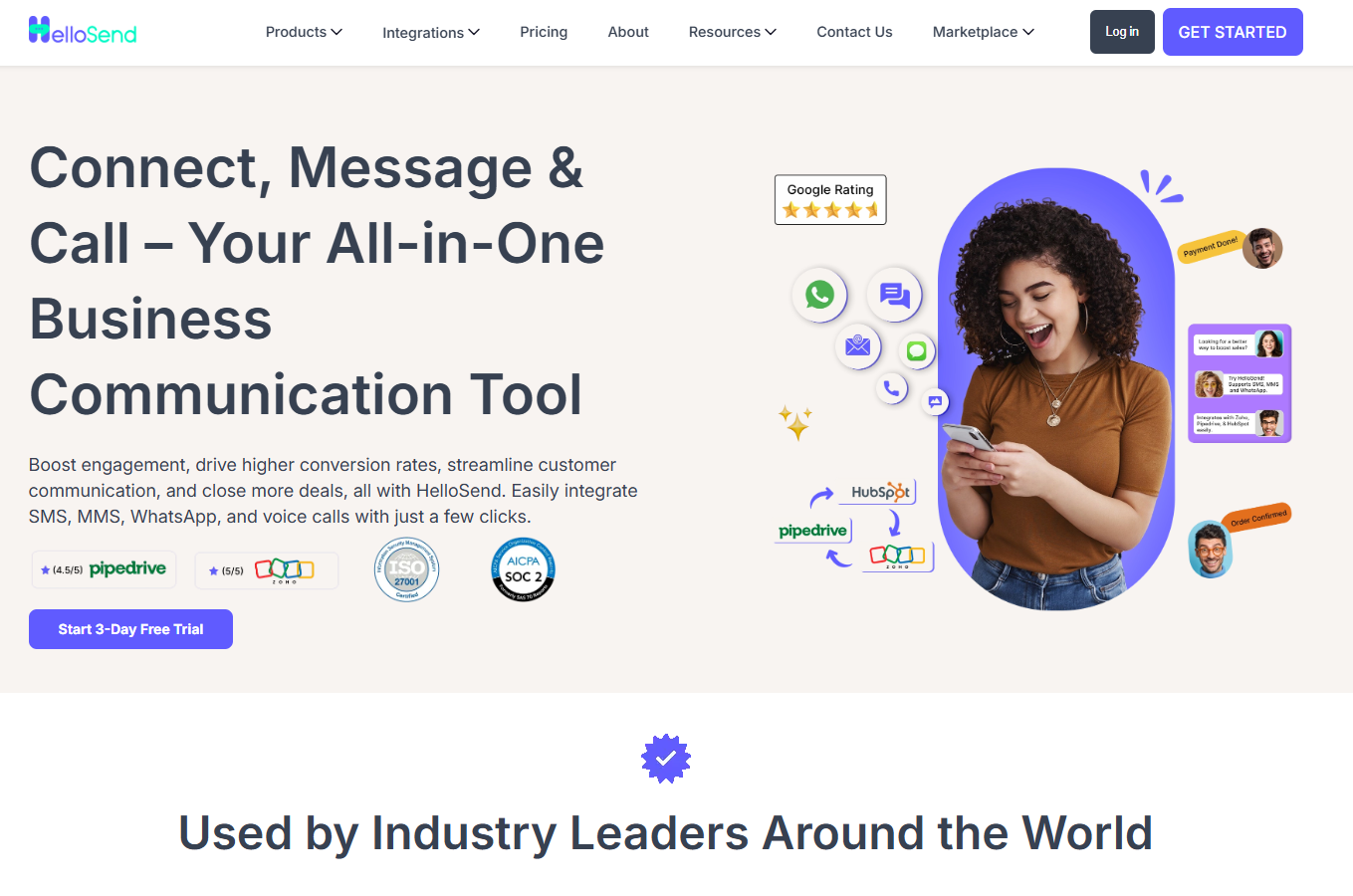
Here’s how HelloSend fits perfectly into your sales and support workflows:
- Direct CRM Integration: Send automated or manual SMS directly from your Zoho or Pipedrive dashboard—no tab switching, no third-party plugins.
- Trigger-Based Automation: Create workflows based on lead actions: stage changes, form submissions, missed calls, scheduled meetings, and more.
- Two-Way Messaging + Calling: Seamlessly switch between texting and calling—all tracked in the CRM. Every conversation is logged in one place.
- Personalized Messaging at Scale: Use dynamic fields (e.g., first name, meeting time) to make every SMS feel human and relevant.
- Compliance & Global Reach: Built-in safeguards like quiet hours, opt-out management, and international delivery mean you’re covered wherever you do business.
- Analytics Built for Sales Teams: Track open rates, replies, and conversion metrics without leaving your CRM.
Addressing Common Challenges from Buyers
As with any new strategy, there are often concerns when implementing SMS marketing automation with CRM integration. Let’s address some of the most common challenges and how to overcome them:
1) SMS feels intrusive
This is a common concern, but when used appropriately, SMS is often welcomed. For example, sending a timely reminder about an upcoming meeting or an important update ensures that your message is valuable and appreciated. You can also apply SMS marketing automation strategies to drive results.
- Only send SMS when necessary (e.g., reminders, urgent updates).
- Personalize messages to ensure relevance, keeping them helpful rather than intrusive.
2) It’ll overwhelm our team
Many worry that adding another channel to manage will cause extra work, but SMS automation works in the background. Once set up, it runs on its own, sending out pre-scheduled messages without requiring additional time or effort from your team.
- Automate the sending of messages based on CRM triggers (form fill, stage change).
- Let the system handle routine messages so your team can focus on more strategic tasks.
3) We don’t have SMS opt-ins
Opt-ins are a valid concern, but collecting SMS consent can easily be integrated into your lead-generation process. Include a checkbox for SMS consent on your lead forms, during the booking process, or within your onboarding sequence.
- Ensure clear and simple opt-in options at multiple touchpoints.
- Follow best practices for collecting consent to ensure legal compliance.
4) Is this even legal?
Strict laws regulate SMS marketing, but modern platforms like HelloSend ensure compliance automatically. These platforms handle opt-out processes, manage consent, and even respect "quiet hours" to ensure you stay within legal boundaries.
- HelloSend includes built-in compliance features (opt-out management, scheduling).
- Focus on outreach, knowing that compliance is handled for you.
Best Practices to Maximize ROI with SMS Automation
To get the most out of your SMS marketing automation, it’s essential to follow a few key best practices. These will help you improve engagement, increase conversions, and avoid overwhelming your leads with unnecessary messages.
1) Keep Messages Under 160 Characters
SMS is a quick communication channel, so keeping your messages short and to the point ensures higher engagement. Limit your text to key details and a clear call to action (CTA).
- Focus on one main point per message.
- Make your CTA easy to understand and act on.
2) Use Merge Tags for Personalization
Personalization increases response rates by making your messages feel relevant and tailored. Use CRM data, such as names, company names, or product interests, to make each message unique.
- Insert dynamic fields like “first name” or “appointment time.”
- Personalize content based on lead status or history.
3) Don’t Over-message Set Smart Cadence
While SMS is effective, bombarding your leads with too many messages can lead to opt-outs. Create a balanced message cadence to keep your leads engaged without overwhelming them.
- Set reminders or follow-ups only at critical points to maintain good customer relations.
- Avoid sending too many messages in a short time frame.
4) Combine SMS + Calling for Layered Engagement.
Combining SMS with calls creates a more complete engagement strategy. Use SMS for quick reminders or confirmations and calls for deeper, more personal conversations.
- SMS for initial outreach and appointment reminders.
- Follow-up calls are made to discuss essential conversations.
5) A/B Test Timing, Content, and Follow-up Flows
Continuously improve your automated SMS campaigns by testing different message formats, sending times, and follow-up strategies. A/B testing helps identify what works best for your audience.
- Test message timing based on your audience’s time zone.
- Experiment with message tone, length, and CTA.
Final Thoughts
CRM-triggered SMS marketing automation is a game-changer for keeping your leads engaged and moving through the sales funnel. By sending timely, personalized messages based on customer actions, you ensure that no lead goes cold and every opportunity is nurtured efficiently.
With HelloSend, you get the added benefit of unified messaging and calling directly within your CRM, streamlining your communication efforts without the need for multiple platforms. This integration not only saves time but also ensures all interactions are tracked in one place, enhancing your sales process.
Want to see how SMS automation could accelerate your sales cycle? Subscribe Now!
Which part of your CRM follow-up needs the most considerable boost: response rates, meeting attendance, or close speed? Let us know!
FAQs
1. What is automated SMS marketing?
Automated SMS marketing is a strategy where text messages are sent automatically to customers based on triggers, such as sign-ups, purchases, or specific dates. It helps businesses stay connected, promote offers, and boost engagement without manual effort.
2. How to send automated texts to customers?
You can send automated texts to customers using SMS automation tools. Set triggers such as “new lead” or “abandoned cart,” then craft personalized messages to send instantly, keeping your communication timely and relevant.
3. How can HelloSend help with automated SMS marketing?
HelloSend makes automated SMS marketing simple. It lets you schedule texts, set triggers, and personalize campaigns all from one dashboard. Perfect for driving engagement and boosting customer retention effortlessly.
4. What’s the best way to send automated texts using HelloSend?
With HelloSend, you can create smart automation workflows like sending welcome messages, payment reminders, or promo alerts. Its drag-and-drop interface and real-time analytics make automation seamless and practical.
5. Why is automated SMS marketing important for small businesses?
Automated SMS marketing saves time, ensures consistent communication, and keeps customers engaged. It’s a cost-effective way to drive sales and strengthen relationships without needing a full-time marketing team.


.webp)


.webp)
