


Summarize this blog post with:
Quick Summary
Integrating voice calls with your CRM supercharges productivity, streamlines workflows, and improves customer interactions, giving your team the tools they need to engage better and work smarter.
With voice call integration in your CRM, your team can manage customer interactions from a single platform, making workflows smoother and faster. Instead of switching between different systems to track a single interaction, everything is easily connected.
Calls are automatically logged, and agents can initiate calls with a single click, eliminating manual tasks. This integration leads to more productivity and less hassle in all customer interactions. According to a report, using CRM systems effectively can increase sales by up to 29% and improve customer satisfaction.
In this blog, we will understand the key benefits, how voice call integration works, and the top tools for smooth voice call integration.
Shall we begin?
Why Voice Call Integration is a Game-Changer for CRM Workflows
- Eliminating Manual Efforts: With voice call integration tool, those tedious tasks are handled automatically. Every call is logged directly into the CRM, saving your team from endless paperwork and reducing human error.
- Contextual Call Information: Every time your agents answer the phone, they can access the entire customer history without flipping through a pile of notes or switching between systems.
- Team Efficiency: Voice call integration boosts team collaboration by giving everyone access to the same information. Whether it’s a sales rep who needs to follow up with a lead or a support agent working on a customer’s issue, the CRM’s integrated system makes it easy to share insights and avoid duplicating efforts.
The Key Benefits of Voice Call Integration for CRM
- Increased Productivity: With automated workflows, such as auto-dialing and call logging, teams can focus on what matters most: the customer. Automating routine tasks, such as dialing or logging call outcomes, ensures that agents spend less time on administrative tasks and more time on high-value customer interactions.
- Better Customer Experience: Imagine how frustrating it is for a customer to have to explain their issue to every representative they speak with. With voice call service for businesses, agents immediately have access to the customer’s full history, allowing them to address concerns without delay.
- Real-Time Insights: One of the most significant benefits of voice call integration is the ability to track call analytics in real time. You can monitor how many calls are being made, when your team is most effective, and the average response time. For sales teams, this data is invaluable in understanding which sales tactics are working and which need improvement.
- Advanced Reporting & Metrics: Voice integration within CRM systems provides detailed reporting on call volumes, duration, conversion rates, and more. This allows managers to identify patterns, optimize processes, and make data-driven decisions that improve team performance.
How Voice Call Integration Works With CRMs?
Now that we’ve discussed the benefits, let’s break down how voice call integration actually works within your CRM system. The process might sound complex, but in reality, it’s effortless and powerful once in place.
Understanding the Workflow of CRM + Voice Call Integration
Key Features That Make It All Possible

1) Click-to-Call
Gone are the days of manually dialing numbers or toggling between different screens. With click-to-call, your agents can dial any contact directly from the CRM with just one click. This streamlined process not only saves time but also eliminates dialing errors, ensuring that agents stay focused on what really matters: the conversation.
Whether your sales team is reaching out to new leads or your support team is following up with a customer, making calls has never been easier or more efficient.
2) Auto-Logging
How much time does your team spend logging call details after each conversation? With auto-logging, every call is recorded in the CRM, capturing key information such as call duration, outcome, and any relevant notes.
This feature eliminates the need for manual data entry, saving agents valuable time and reducing the risk of errors. Plus, every team member can quickly access a customer's full interaction history, providing complete context for future calls without having to search across multiple systems.
3) Real-Time Analytics
Real-time insights are crucial. Real-time analytics provide immediate feedback on call metrics, such as response times, call outcomes, and agent performance.
This feature allows managers to track progress on key goals, identify trends, and adjust strategies on the fly. With this data at hand, you can make informed decisions that enhance team efficiency, optimize your sales pipeline, and continuously improve customer satisfaction.
4) Screen Pop
Imagine this: A customer calls in, and their complete profile, including past interactions, purchase history, and ongoing support tickets, instantly pops up on the agent’s screen. That’s the power of screen pop technology.
By instantly providing agents with all relevant information, this feature helps them respond faster, resolve issues more effectively, and offer truly personalized service. It also boosts customer retention.
Best Tools for Voice Call Integration with CRM Systems
The following are the top 03 tools for voice call integration with CRM. You can adapt it to your business, and your workloads will be reduced.
HelloSend – The Leading Voice Call Integration Tool For CRMs
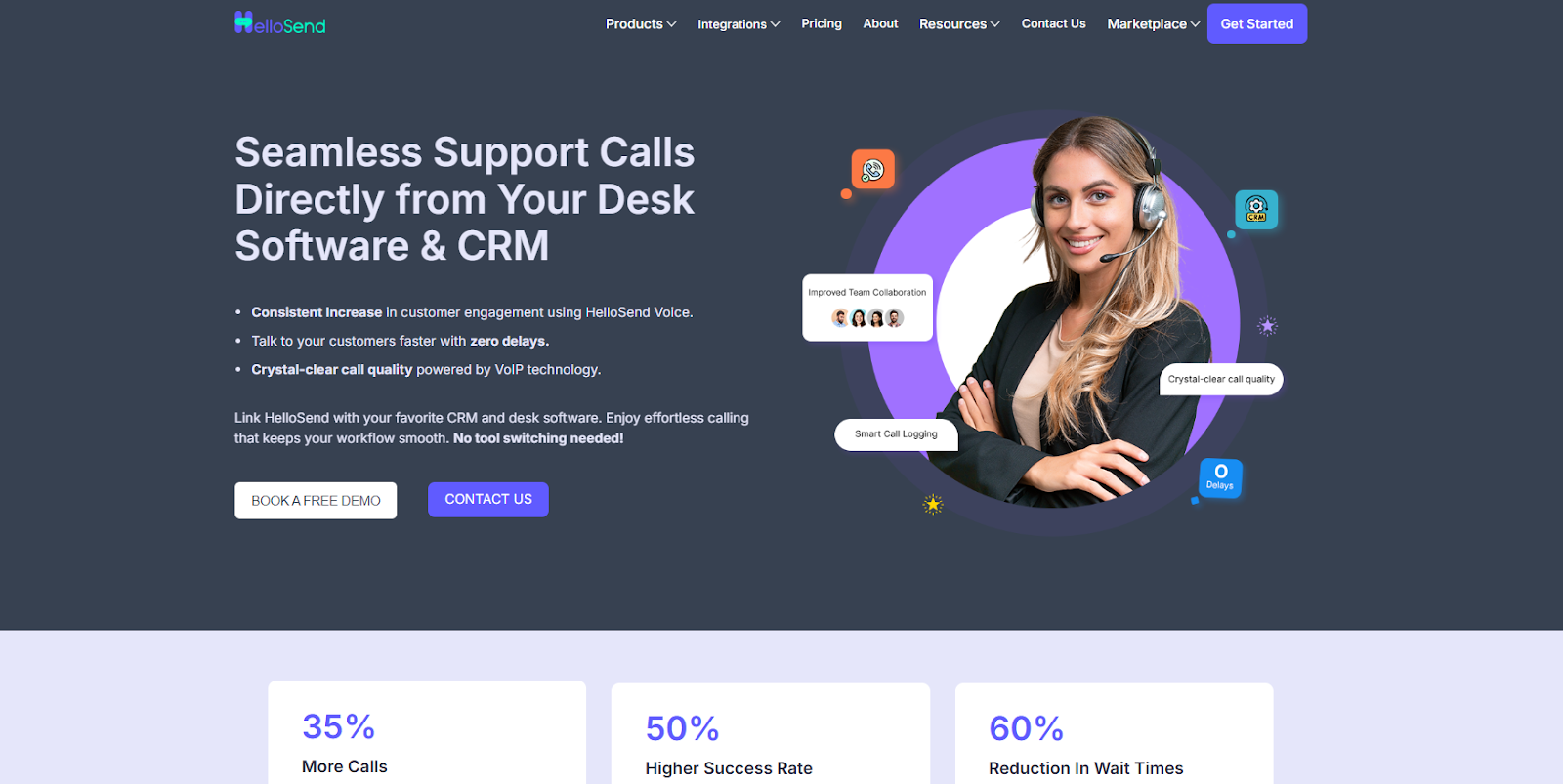
HelloSend is designed to help businesses integrate voice calls seamlessly into their CRM workflows. It is one of the best voice call integration tool.
With its features, this tool will help your team stay productive and focused. Whether you’re a small business or a growing enterprise, HelloSend scales to meet your needs without overwhelming your team.
Why HelloSend Is the Best Choice
Unlike other tools, HelloSend doesn’t require complex setup or advanced technical knowledge. It’s user-friendly and ready to go with minimal configuration, making it the ideal choice for businesses seeking a fast, seamless solution.
User Benefits
- Time-Saving: Automates time-consuming tasks such as call logging and follow-up scheduling.
- Improved Customer Service: Agents have everything they need at their fingertips, enabling faster, more effective interactions.
- Scalability: As your business grows, HelloSend grows with you, offering more features and customizations to suit your needs.
Top Features Of HelloSend

1. One-Click Calling: With One-Click Calling, HelloSend allows users to initiate calls directly from their desk software or CRM with a single tap.
2. Seamless CRM Integration: HelloSend ensures that every call is automatically tied to the correct contact or lead within your CRM.
3. Call Recording & Analytics: This tool offers call recording to capture and store conversations for future reference.
4. Improved Team Collaboration: With HelloSend’s shared call logs, every team member stays updated on customer interactions.
5. Voicemail Support: Even when agents are unavailable, voicemail support ensures no customer message is missed.
6. Call Routing & Logs: HelloSend’s call routing feature automatically directs incoming calls to the most appropriate agent or department based on predefined rules.
Other Integration
HelloSend also provides other integrations to simplify your work. Check out all HelloSend integrations now!
Pricing Plans
HelloSend offers flexible pricing based on your communication needs, with messaging and calling features. Its plans are transparent and most affordable. Click on - HelloSend pricing plans to know more.

2) Aircall
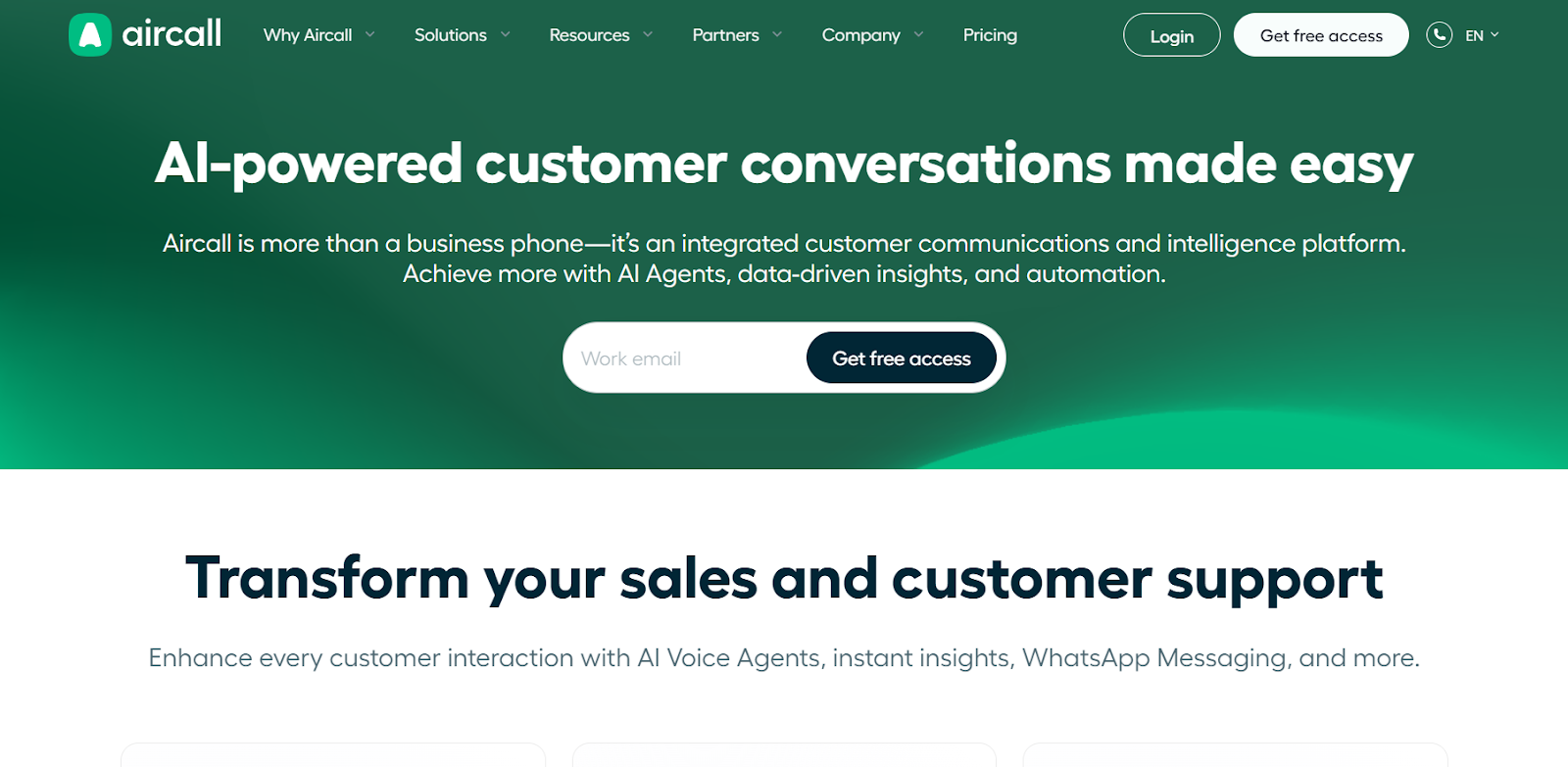
Aircall is a cloud-based VoIP system designed to integrate with various CRM platforms. With Aircall, businesses can manage their phone system efficiently while maintaining access to essential call data within their CRM.
However, Aircall requires more technical setup and may be more suited for businesses with larger teams or those needing advanced reporting features. While it excels in VoIP capabilities, users may experience a steeper learning curve compared to other tools that offer simpler, more intuitive setups.
3) Nextiva
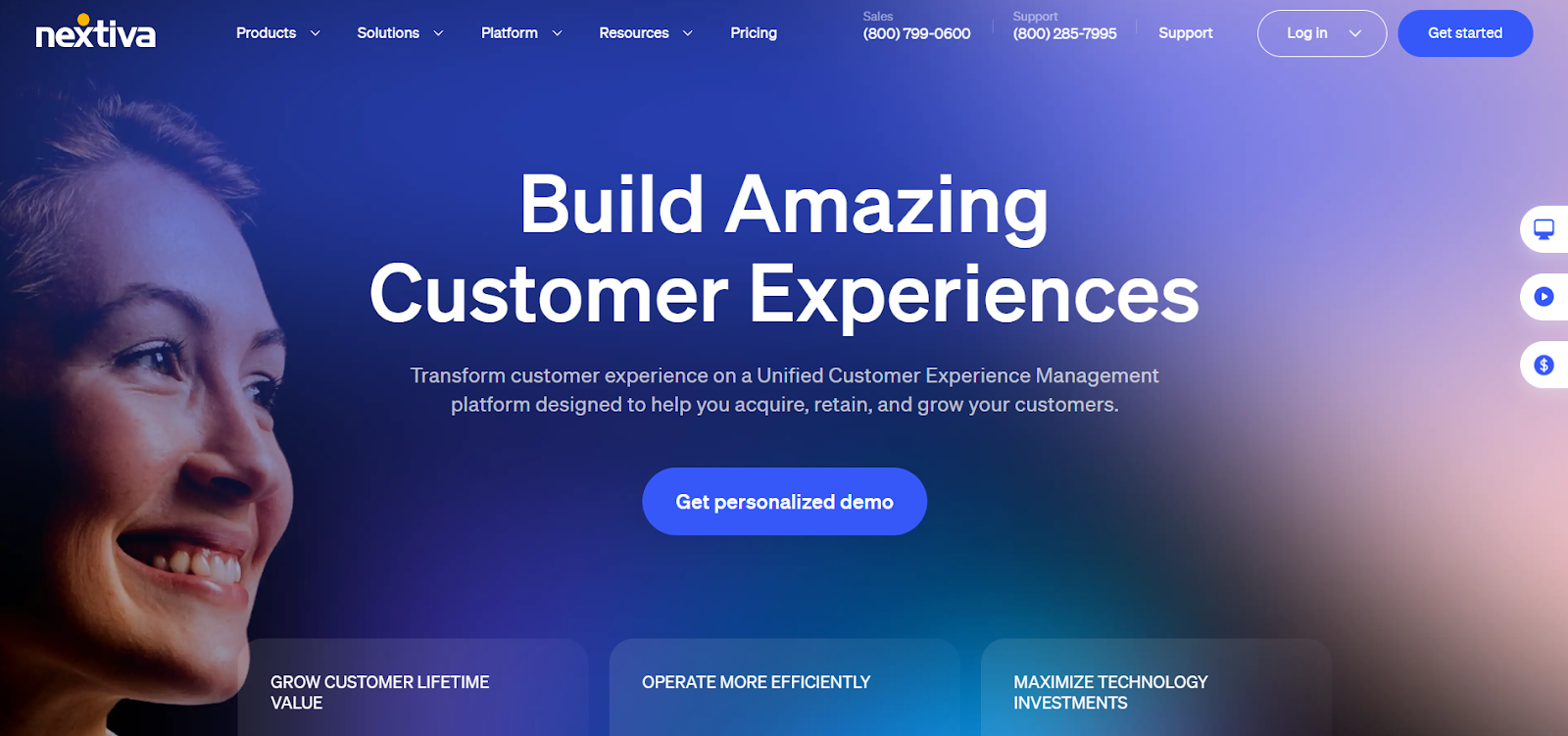
Nextiva is another popular VoIP solution that provides businesses with voice communication and CRM integration capabilities. Known for its robust call routing and call management features, Nextiva is ideal for large teams or enterprises looking for an all-in-one communication system. It includes features like call forwarding, voicemail-to-email, and advanced reporting.
Nextiva’s powerful analytics tools help businesses track performance and customer interactions. However, the complexity of setup and configuration might not make it the best option for small companies or teams that need a quicker, more streamlined setup.
How to Choose the Best Voice Call Integration for Your CRM
Choosing the proper voice call integration for your CRM is a critical decision. You need a tool that not only meets your current needs but also supports your growth as your business scales.
Here’s what to look for:-
1. Ease of Integration
The best voice call integration tools should fit seamlessly into your existing CRM system with minimal effort. Ideally, the tool should include pre-built integrations with major CRM platforms such as HubSpot, Zendesk, and Salesforce.
2. Feature Set
Beyond making and receiving calls, the right tool should offer a robust set of features to enhance your CRM experience. Consider features like auto-call logging, which saves time and reduces errors by automatically recording call data, including duration, outcome, and notes.
3. Scalability
As your business expands, your CRM and voice call integration should scale with you. Look for a tool that supports multi-user configurations, enterprise-level features, and flexibility in usage. Whether you’re planning to add more agents, expand to different regions, or integrate with other business systems, your voice call tool should grow with your business.
4. Support and Training
The right voice call tool should not only offer easy implementation but also provide exceptional support and training. Look for a provider that offers 24/7 customer support, so you always have help when you need it.
Final Words!
Voice call integration with your CRM is no longer a luxury; it's a necessity for businesses that want to operate efficiently and provide exceptional customer service. By choosing a tool like HelloSend, you’re empowering your team to work smarter, not harder, with all the right tools at their fingertips. The result is faster response times, better customer interactions, and more productive teams.
If you’re ready to see the benefits of voice call integration firsthand, try HelloSend today with a free demo or trial. Discover how easy it is to transform your CRM workflows and boost your business’s productivity. Contact us today!

FAQs
1) What is the best CRM VoIP integration for small businesses?
HelloSend offers the best CRM VoIP integration for small businesses, providing a fast, easy setup and powerful features like call logging and real-time analytics.
2) How does voice call integration work with CRM?
Voice call integration syncs your CRM with a voice call service, automating tasks like call logging, click-to-call, and providing agents with customer context during every call.
3) Can HelloSend integrate with any CRM system?
Yes, HelloSend integrates seamlessly with popular CRMs like Zoho, Pipedrive, HubSpot, and others.
4) What is the best voice call integration for small businesses?
HelloSend is the best voice call integration for small businesses, with an easy-to-use interface, powerful features, and seamless CRM integrations.
5) How can I get started with voice integration in web applications?
HelloSend offers simple APIs and connectors to integrate voice calling into your CRM or web application quickly and easily.